
For anyone looking for a simple streaming app on Android TV, Google TV, or even a phone, Foxtv is one of those apps worth trying, especially if your internet connection is not the strongest.
The app is presented as an alternative to Yacine-style apps, with access to today’s matches, live channels, and even some movies and series in different quality levels. The big advantage highlighted here is speed. Foxtv is designed to work well for people with weak or average internet, thanks to fast servers and multiple playback options.
Table of Contents
- 📱 What Foxtv Offers
- 📺 Why This App Fits Android TV and Smart TV Users
- 🔢 Downloader Code for Foxtv
- ⬇️ How to Download Foxtv Step by Step
- 🛠️ Why You Need Two Downloads
- ▶️ Which App to Open After Installation
- 🌐 Is Foxtv Good for Slow Internet?
- 🧭 What to Check After Installing Foxtv
- ❓FAQ
- ✅ Final Notes
📱 What Foxtv Offers
Foxtv is positioned as a multi-purpose streaming app. Instead of focusing on one category only, it brings together several types of content in one place.
- Live TV channels
- Today’s football matches and sports content
- Movies and series
- Different quality options for smoother playback
That last point matters a lot. When an app provides multiple quality levels, it becomes much more usable for people dealing with unstable or slower internet. You are not forced into one heavy stream that keeps buffering.
📺 Why This App Fits Android TV and Smart TV Users
One of the useful things about this setup is that it is not limited to phones. The same method works on Android TV screens as well, which makes it handy for anyone who installs apps on a smart TV through Downloader.
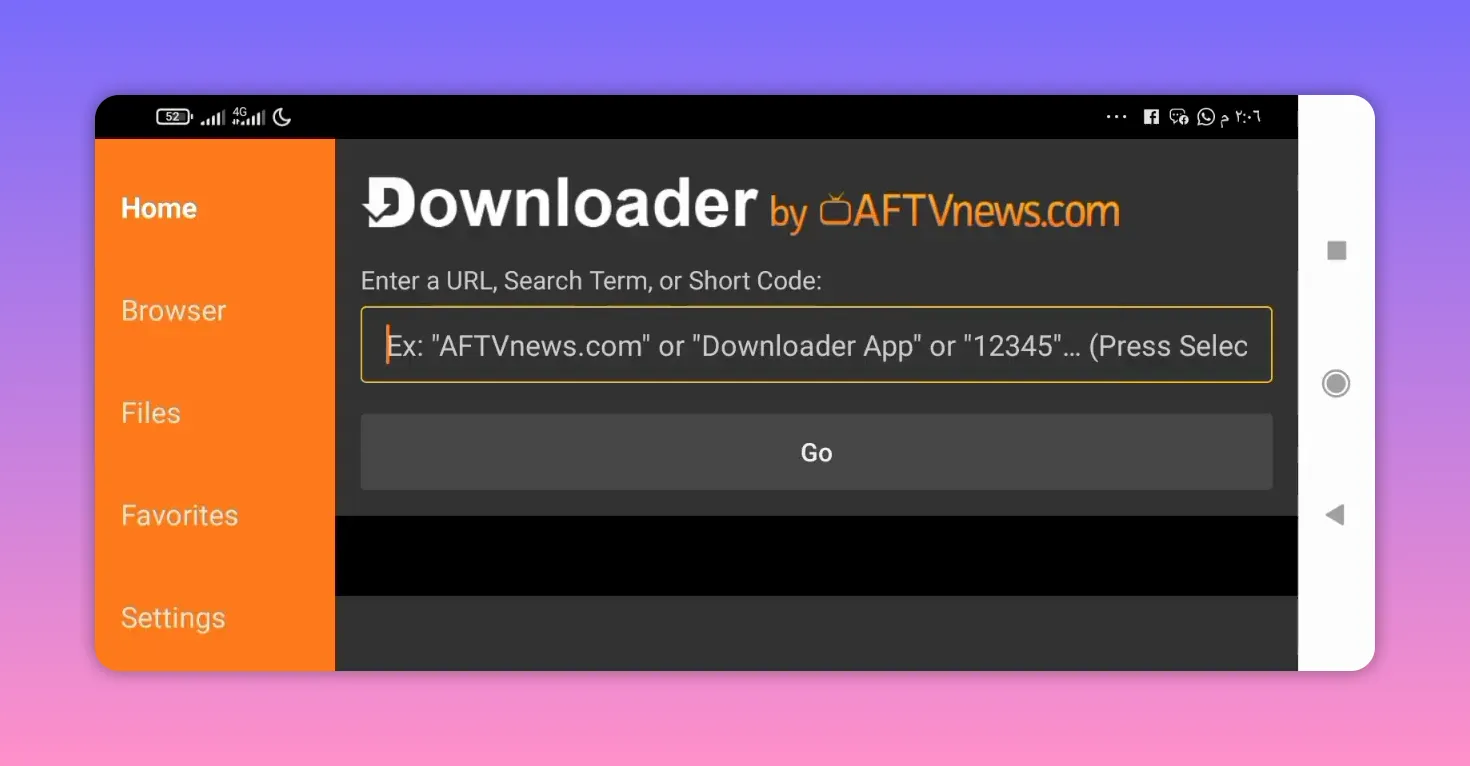
If you already use downloader codes to install apps on TV, the process will feel familiar. You do not need to search manually through a browser or app store. You simply enter a code inside the Downloader app and follow the download page.
This makes Foxtv especially relevant for:
- Android TV users
- Google TV users
- Smart TV users who install APKs through Downloader
- Android phone users who prefer direct APK installation
🔢 Downloader Code for Foxtv
To begin installation, open the Downloader app and enter this code in the search field:
8788452
Once entered, confirm the code and continue. This should redirect you to the official page for the Foxtv app.
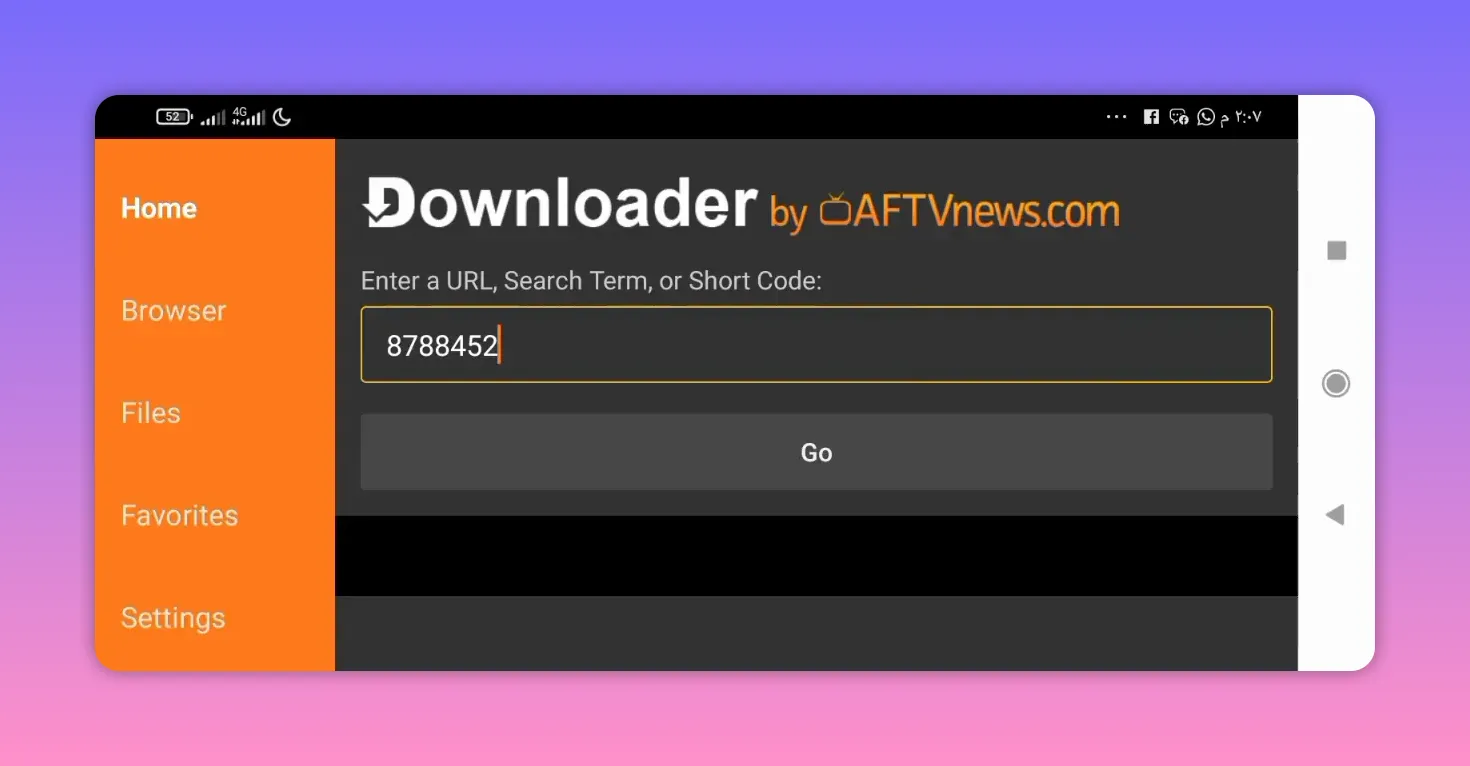
The method is the same whether you are installing on a television or on a phone, as long as the Downloader app is available and properly set up on your device.
⬇️ How to Download Foxtv Step by Step
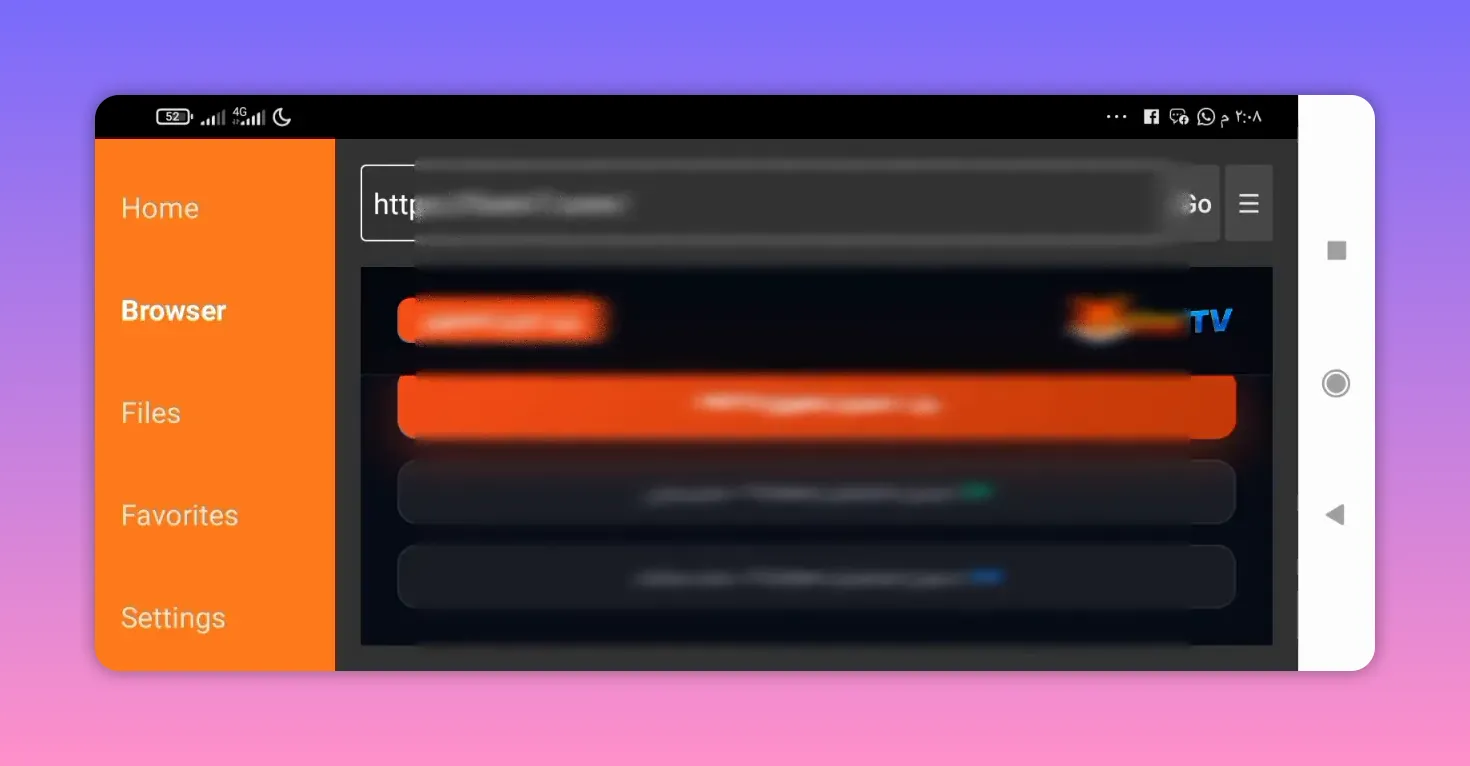
After entering the Downloader code, the page that opens should offer two main choices:
- Download the app
- Browse channels
Choose Download the app. That takes you to another page where the actual files are listed.
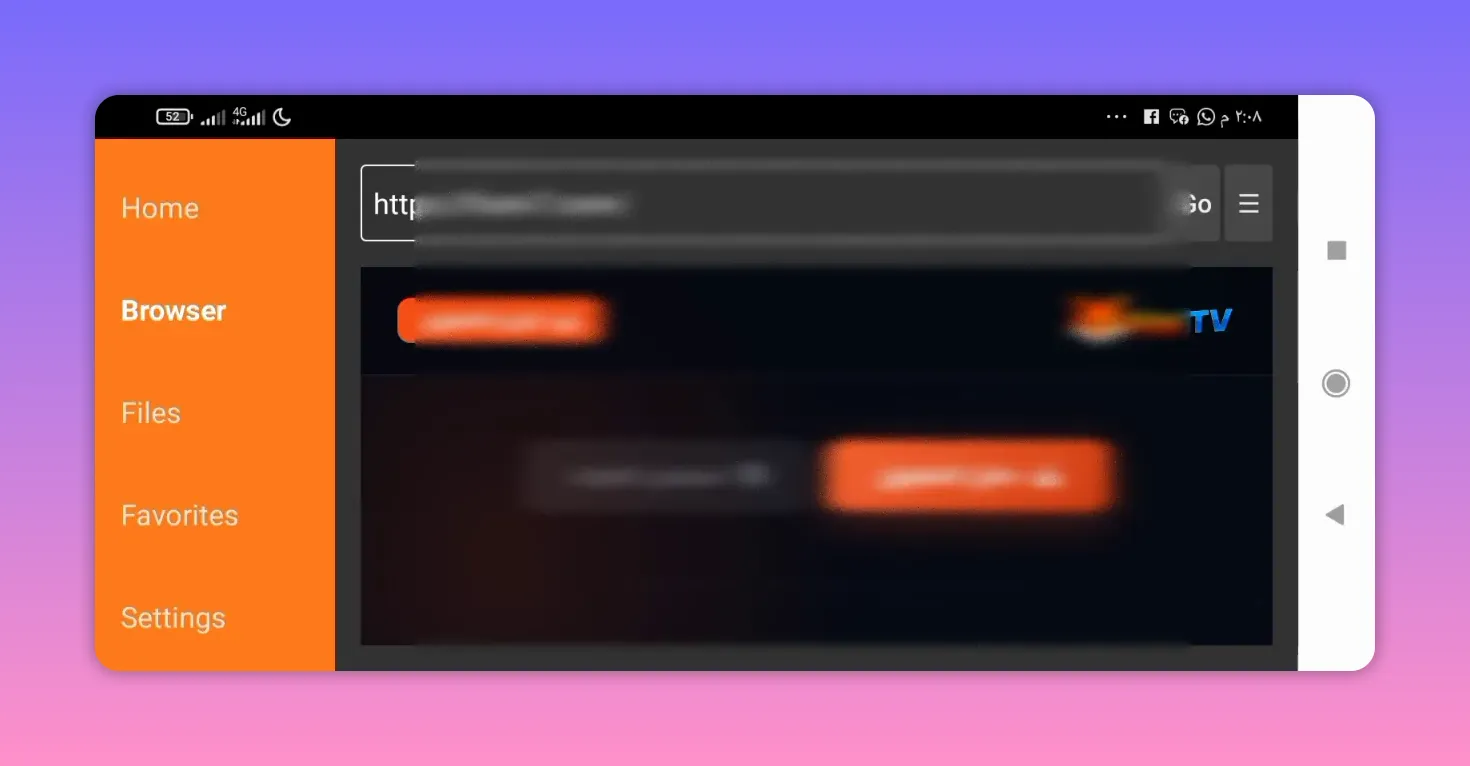
On that page, scroll down and you should find:
- Foxtv app download
- Direct player download
The correct order is important here.
Install the main Foxtv app first
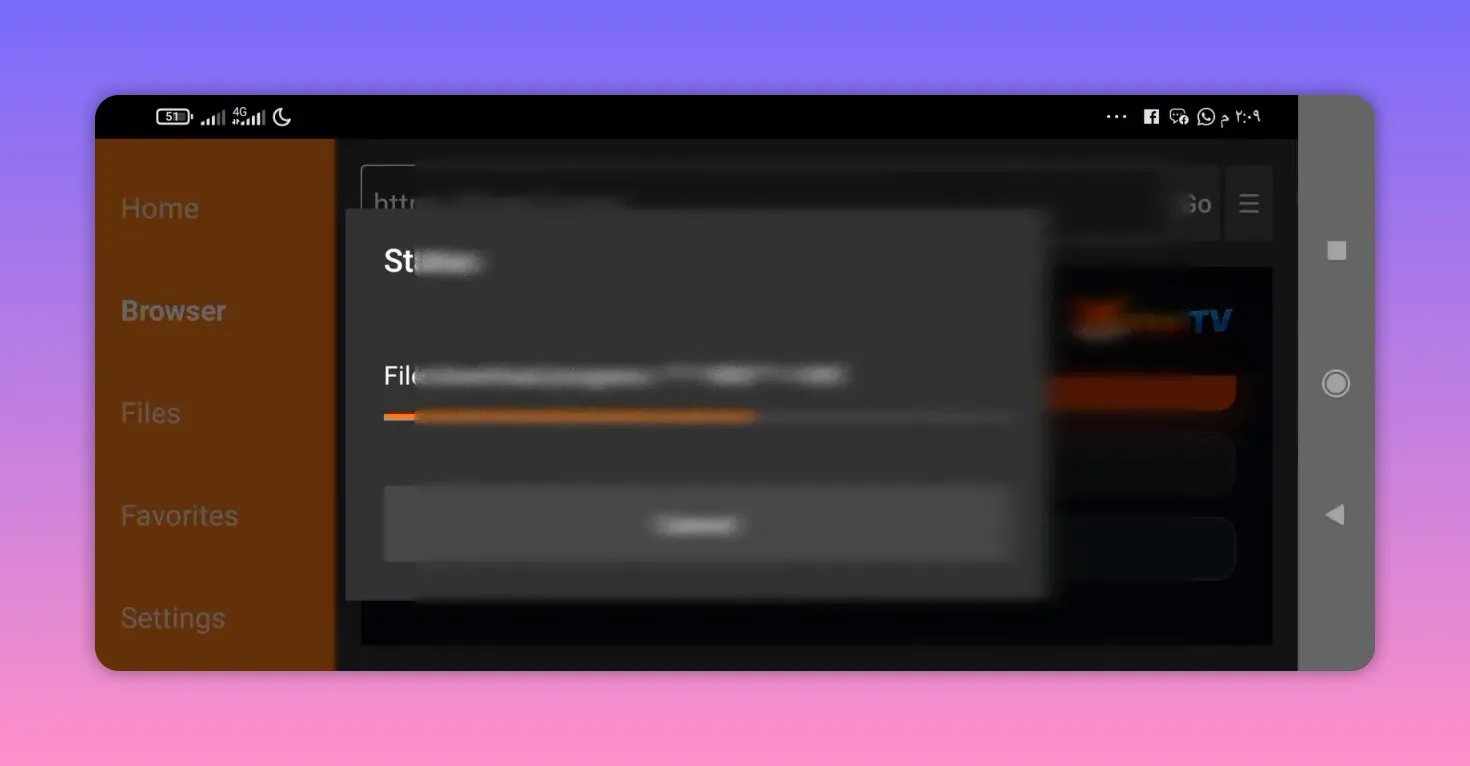
Start by downloading Foxtv itself. The app size is around 35 MB, which is relatively light and manageable even on modest devices.
Another useful point is that no activation code is required. You download it, install it, and move on to the next required file.
Then download the player
After the main app finishes downloading, scroll down and select Download Player Direct File.
This second app is the player required for playback, and its size is around 36 MB.
🛠️ Why You Need Two Downloads
Foxtv depends on two parts:
- The main Foxtv app
- The player app
This is a common setup with some streaming apps. The first app acts as the content hub, while the second handles playback. If the player is missing, channels may not open correctly.
So even though Foxtv is the app you will actually use, the player still needs to be installed in the background for everything to work properly.
▶️ Which App to Open After Installation
Once both files are installed, open only the main Foxtv app.
You do not need to open the player manually. Its job is simply to support playback when needed. From inside Foxtv, you can then browse channels, check available content, and test how well the servers perform on your connection.
🌐 Is Foxtv Good for Slow Internet?
That is one of the main reasons this app is being recommended.
Foxtv is described as a strong choice for people with:
- Weak internet
- Average internet
- Connections that need faster, more stable servers
Combined with different streaming qualities, this gives the app a practical advantage. When an app offers lighter playback options and responsive servers, it becomes far more usable on everyday home networks that are not especially fast.
🧭 What to Check After Installing Foxtv
After installation, the best thing to do is spend a few minutes exploring the app properly. Focus on these points:
- Channel loading speed
- Playback stability
- Available match listings
- Video quality options
- Whether movies and series open correctly
If your goal is to replace another IPTV or sports streaming app on TV, these are the details that really matter. A nice menu alone is not enough. What counts is whether the channels play smoothly and whether the servers stay stable during use.
❓FAQ
What is the Downloader code for Foxtv?
The code is 8788452. Enter it into the Downloader app search field to reach the Foxtv download page.
Can Foxtv be installed on Android TV and phones?
Yes. The same general method works on Android TV, Google TV, and Android phones, as long as you have the Downloader app available.
Does Foxtv require an activation code?
No. The app is described as not needing any activation code.
Why do I need to download the player file too?
The player is required for playback. Foxtv is the main app, but the additional player helps channels and other content run correctly.
Which app should I open after installation?
Open the Foxtv app only. There is no need to manually open the player app.
What kind of content does Foxtv include?
Foxtv includes live channels, today’s matches, and some movies and series with different quality options.
Is Foxtv suitable for slow internet?
Yes. One of its main strengths is that it is presented as suitable for weak and medium internet speeds, with fast servers and flexible quality choices.
✅ Final Notes
If you want a Yacine alternative on TV, especially one that aims to work well on weaker internet, Foxtv is a straightforward option to test. The setup is simple:
- Open Downloader
- Enter code 8788452
- Download the main Foxtv app
- Download the direct player file
- Open Foxtv and start browsing
The app is lightweight, does not require activation, and is built around the kind of content many Android TV users want most: channels, matches, films, and series, all with an emphasis on smoother playback for less powerful internet connections.
