
If you use a smart TV, Android TV, Google TV, TV Box, or even just your phone, this collection is meant to make life easier. The idea is simple: instead of wasting time searching around, you install the basic tools once, enter a few Downloader codes, and access several strong entertainment options with good stability and quality.
The focus here is on ease of use, smooth performance, and backup options. That last point matters, because sometimes one app may not work properly on a specific device, so having several alternatives gives you a much better chance of finding something that runs well.
Table of Contents
- 📲 What you need before entering the codes
- 🖱️ A small tip that makes TV Box use much easier
- 🔥 Downloader code #1: Cast X Plus
- 📺 Downloader code #2: Ahmed
- ⚙️ Downloader code #3: Razen Dot update
- ✅ Downloader code #4: Faisal
- 💥 Downloader code #5: the big entertainment pick
- 🧩 Why five different apps were shared instead of just one
- 📱 Does this work on phones too?
- 🛠️ Step-by-step setup in a simple format
- 🎯 Best use case for each code at a glance
- ❓FAQ
- 📌 Final list of Downloader codes
📲 What you need before entering the codes
Everything starts with Google Play. If you are using a TV screen or TV Box, install these two apps first:
- Downloader
- Browser
If you are using a phone, then Downloader alone is enough.
This setup is especially useful for Android-based systems like:
- Google TV
- Android TV
- TV Box devices
- Android phones
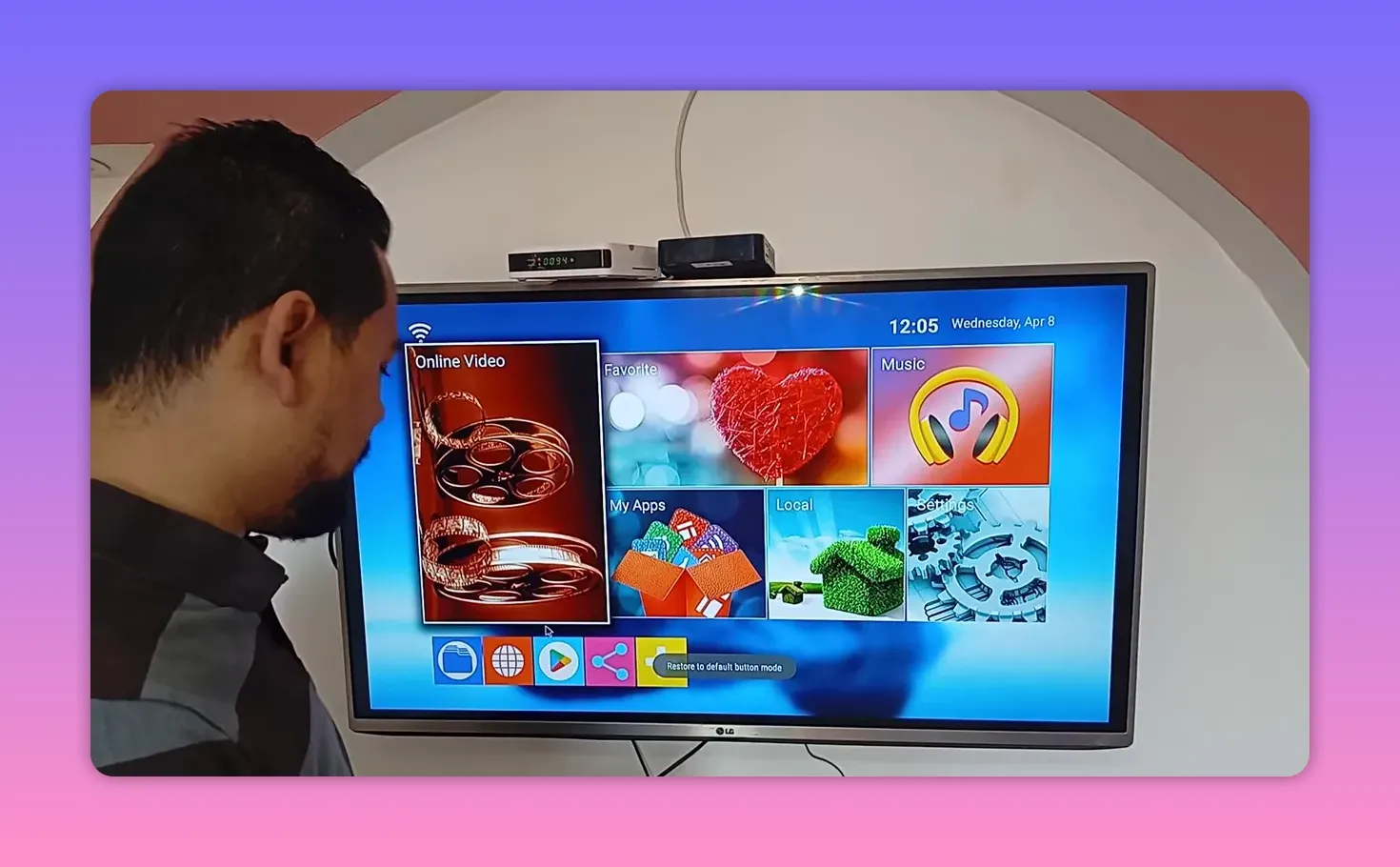
Once Downloader is installed from the Play Store, open it and use the input box to enter each code.
🖱️ A small tip that makes TV Box use much easier
If you are entering codes on a TV Box, using a mouse through the USB port can save a lot of time. It is usually much faster and more comfortable than relying only on the remote.
That small change makes a difference, especially when you are typing multiple long codes one after another.
🔥 Downloader code #1: Cast X Plus
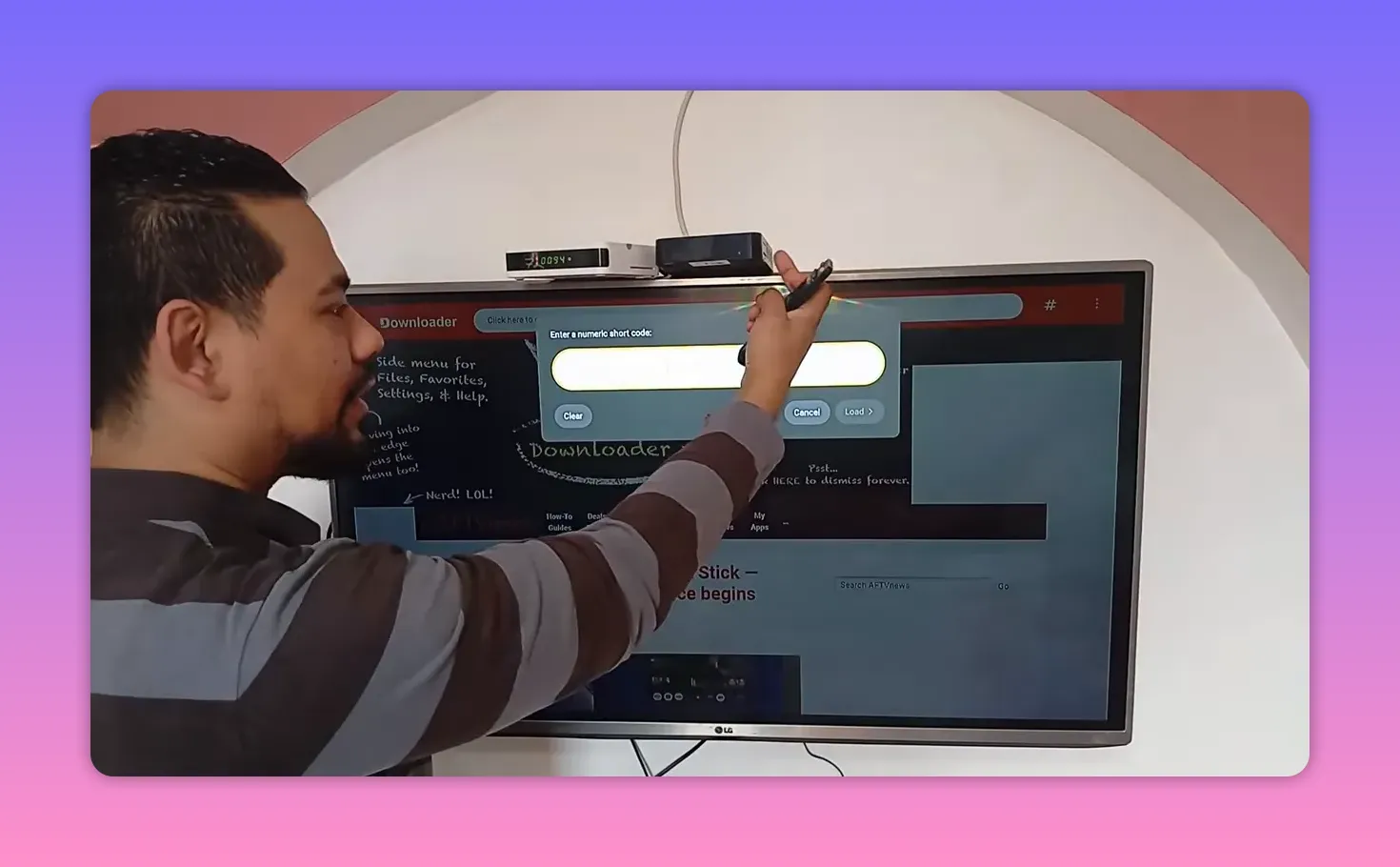
The first code to enter is:
3978358
After it opens, there is an extra step mentioned for this one: enter 2222, meaning four twos.
This app is called Cast X Plus, and it is presented as one of the strongest new additions in the lineup. It is described as a very solid entertainment option for both:
- Smart TV screens
- Mobile phones
If you want something fresh that has just been added and is expected to work nicely on multiple device types, this is the first one to try.
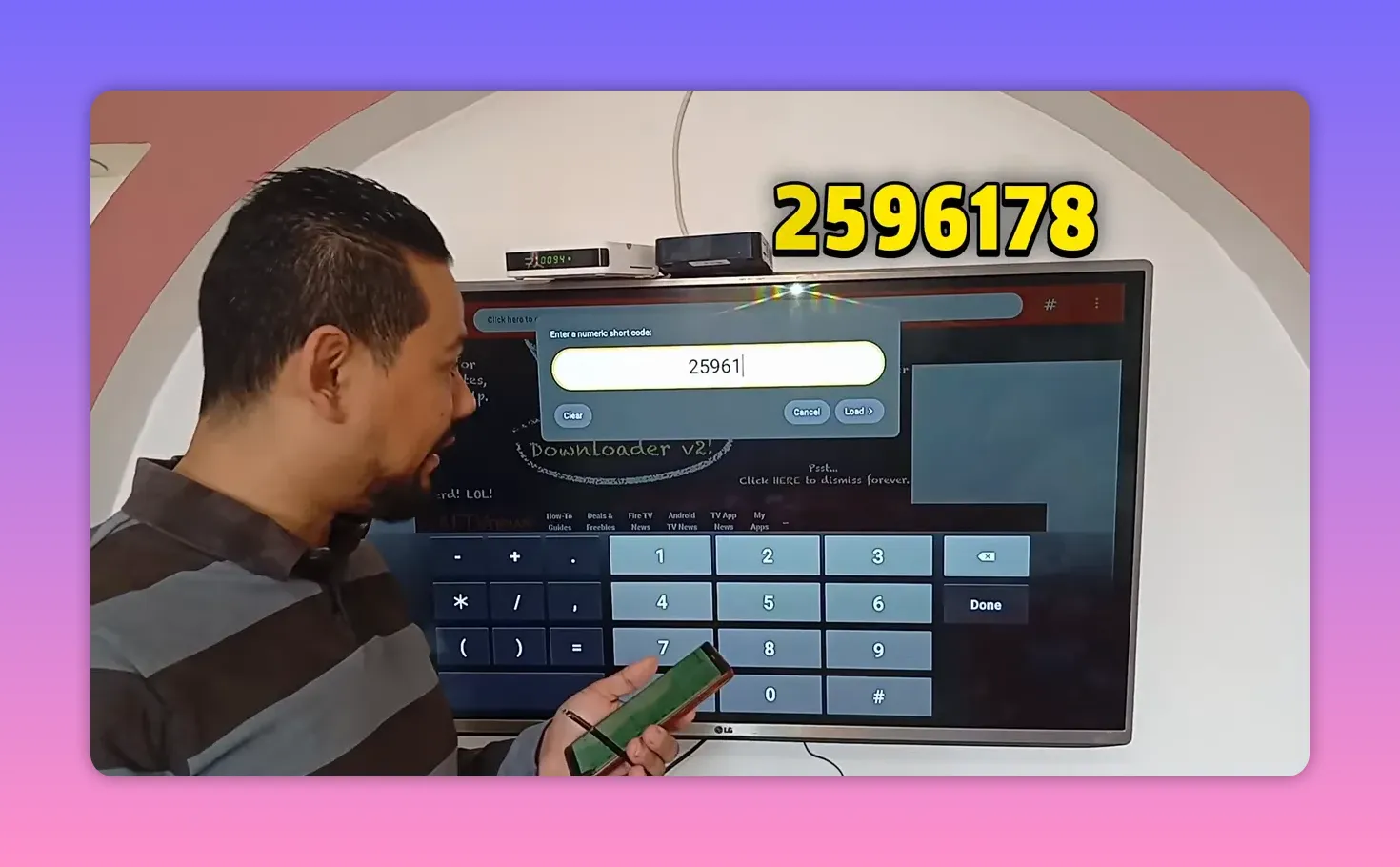
📺 Downloader code #2: Ahmed
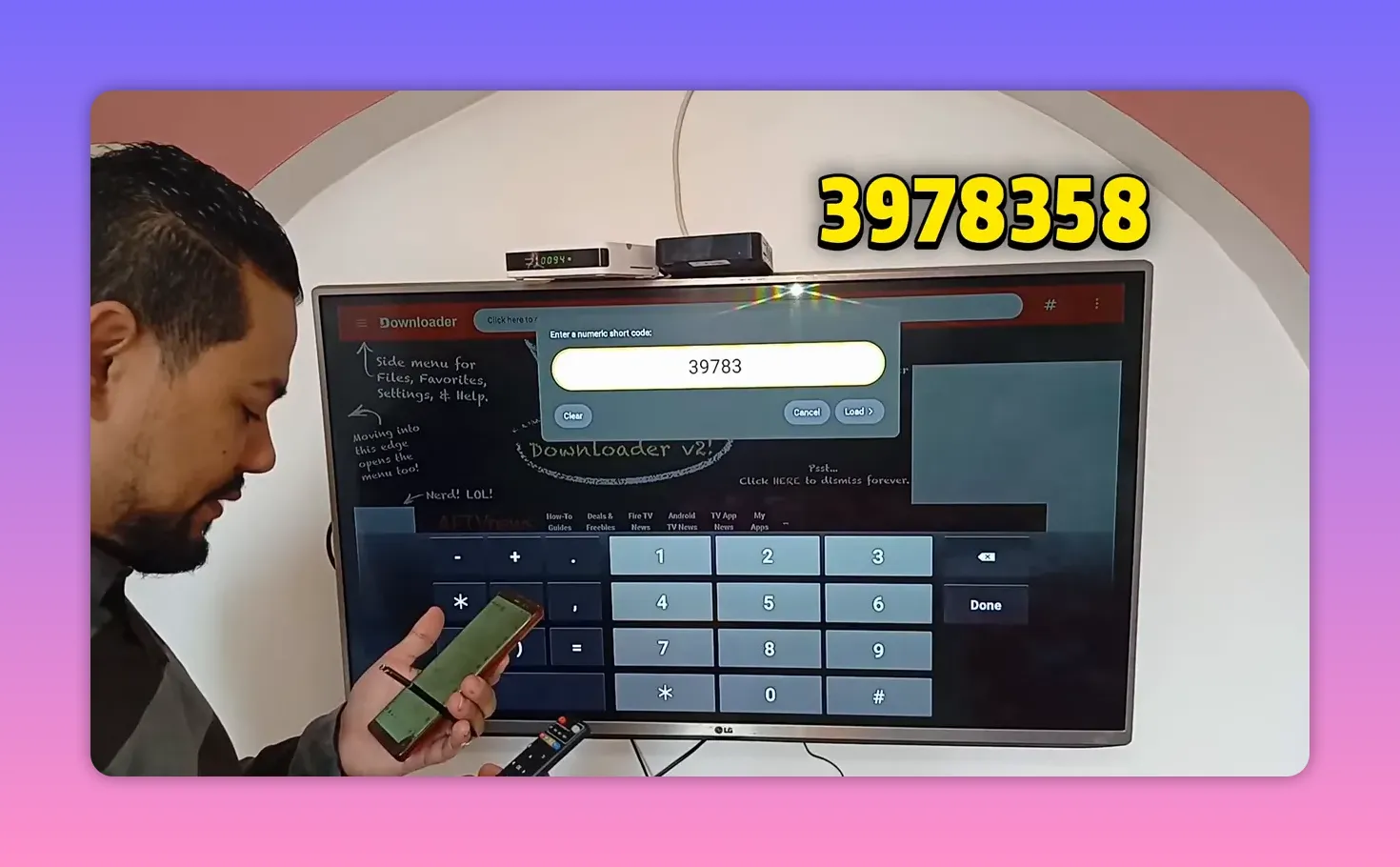
The second code is:
252596178
This one is introduced as another strong entertainment option that works on both phones and televisions. The app name given is Ahmed.
It is recommended as another reliable choice if you want varied content and a smooth experience across devices.
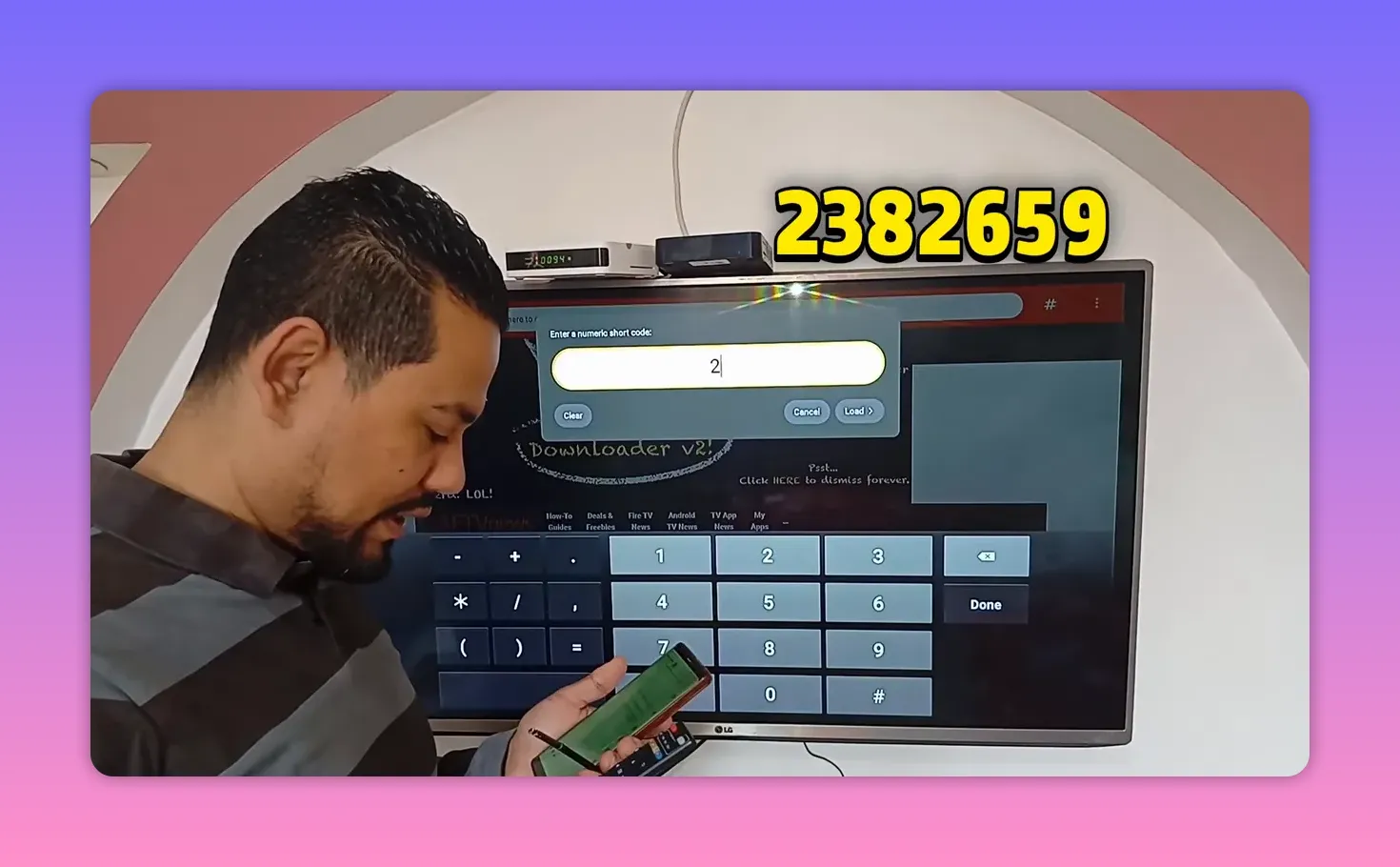
⚙️ Downloader code #3: Razen Dot update
The third code is:
238265
This entry is especially important because it is described as an update for something many people had already been using. It was shared specifically because some users had issues with the earlier version not working properly.
The app is referred to as Razen Dot, and it is described as:
- Widely relied on recently
- Strong in entertainment content
- Suitable for both screens and phones
If you had a version that stopped working or became unreliable, this is the code worth trying first.
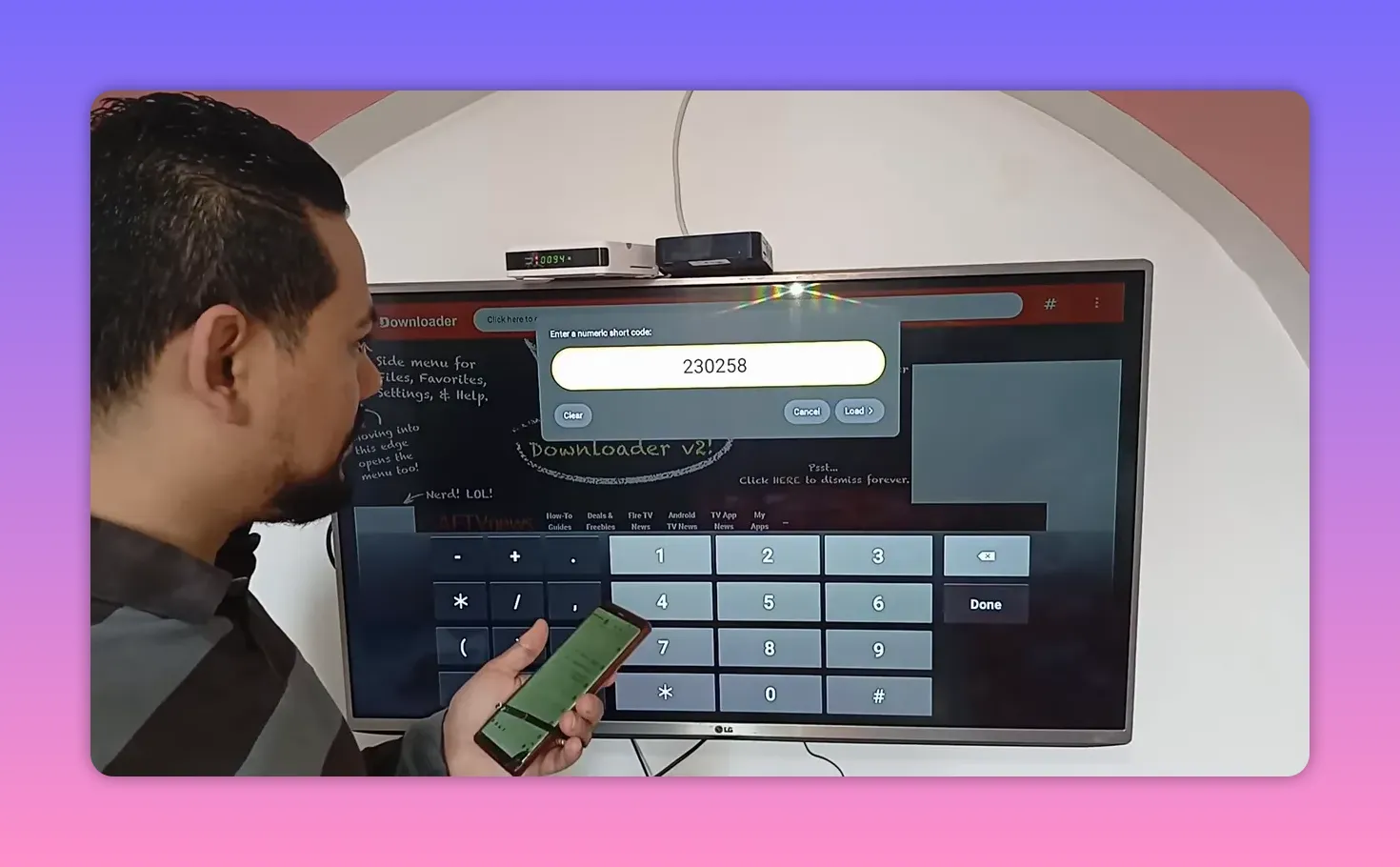
✅ Downloader code #4: Faisal
The fourth code is:
2302589
This app is called Faisal. It is highlighted as a well-prepared option that was personally tested and found to offer:
- Good quality levels
- No cutting or interruptions
- A satisfying overall experience
For anyone who cares most about stability and consistent playback, this is one of the more reassuring entries in the group.
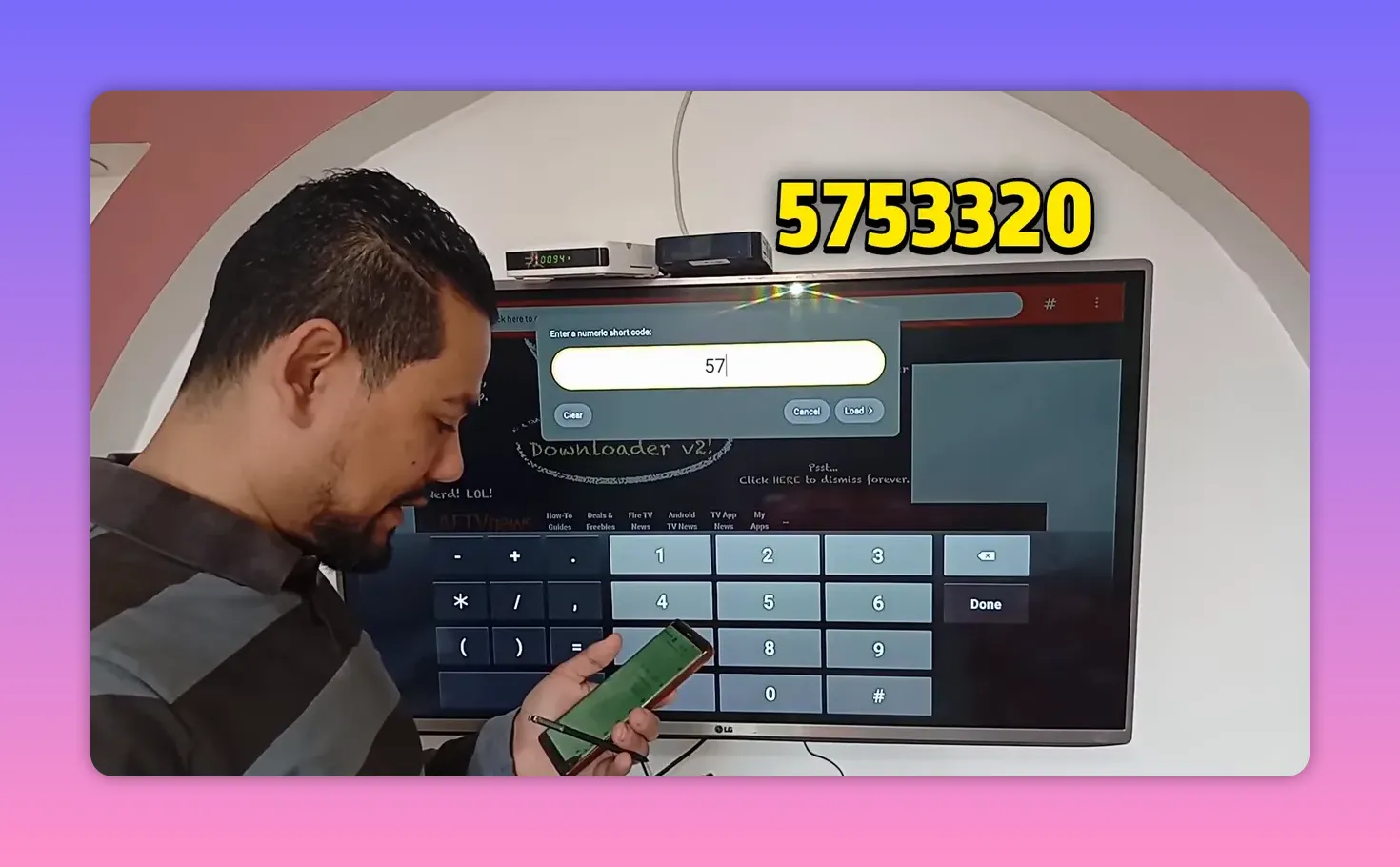
💥 Downloader code #5: the big entertainment pick
The fifth code is:
575332
This one is presented as the heavy hitter of the list. It had apparently created a lot of buzz before, and it was saved for the end because it is considered one of the most complete options.
Why is it special?
- It is described as a major standout
- It offers a broad entertainment package
- It is recommended with a lot of confidence
If you want the app from this list that sounds the most complete and exciting, this is the one that gets that title.
🧩 Why five different apps were shared instead of just one
This is actually one of the smartest parts of the approach.
Instead of relying on a single app and hoping it works everywhere, the list includes five different content options. The reason is practical: if one app does not run properly on your device, the others may still work fine.
That matters a lot in the Android TV and TV Box world, where results can vary depending on:
- Device model
- Android version
- Available storage
- App compatibility
- Regional restrictions
So the real value is not just one code. It is having a small backup library ready to test.
📱 Does this work on phones too?
Yes, that is one of the repeated points throughout the guide. These options are not only for TV screens. Several of them are described as working on:
- Android phones
- Smart TVs
- TV Box devices
The main difference is the setup process:
- On TVs and TV Boxes, use Downloader and possibly a browser
- On phones, Downloader is usually enough
🛠️ Step-by-step setup in a simple format
- Open Google Play.
- Install Downloader.
- If using a smart TV or TV Box, install a browser too.
- Launch Downloader.
- Click the input field.
- Enter one of the codes listed above.
- For Cast X Plus, after opening, enter 2222.
- Try the app and move to the next one if needed.
If you are using a TV Box, connect a USB mouse if possible. It makes the whole process quicker and smoother.
🎯 Best use case for each code at a glance
Cast X Plus
A strong new option for phones and smart screens, with an extra access step using 2222.
Ahmed
A general entertainment pick for both TV and mobile use.
Razen Dot update
Best for anyone who had issues with an older version and needs an updated working option.
Faisal
Recommended for people who care about quality and fewer interruptions.
The fifth app
The broad, high-impact entertainment choice that is treated as the star of the group.
❓FAQ
Do I need both Downloader and a browser?
If you are using a smart TV or TV Box, yes, having both is recommended. If you are using a phone, Downloader alone is usually enough.
Which app should I try first?
If you want something newly recommended, start with Cast X Plus. If you want the most hyped all-around entertainment option, try the fifth code. If you need stability, Faisal sounds like one of the safer picks.
What is the code for Cast X Plus?
The Downloader code is 3978358, and after opening it you enter 2222.
What should I do if one code does not work on my device?
Try one of the other codes. The whole point of sharing five options is to give you alternatives in case one app is not compatible or stops working.
Are these only for Android TV and Google TV?
No. The apps were also described as working on phones, in addition to smart TVs and TV Box devices.
Which code was shared as an update because some people had problems before?
That was Razen Dot, using the code 238265.
📌 Final list of Downloader codes
- 3978358 for Cast X Plus then enter 2222
- 252596178 for Ahmed
- 238265 for Razen Dot update
- 2302589 for Faisal
- 575332 for the final all-in-one entertainment app
If your goal is to turn your Android TV, Google TV, TV Box, or phone into a stronger free TV and entertainment setup, this shortlist gives you several solid starting points without making the process complicated.
The best strategy is simple: install the basic tools, test the codes one by one, and keep the apps that give you the smoothest quality on your device.
