
Peace and blessings to you all, and a blessed Friday.
Today I want to share a beautiful and very useful app, one that many people are always searching for when they want a reliable option ready on their TV box or Android TV device. The app is LION, and the method here is simple, direct, and practical.
The important point from the beginning is this: everything is done through Downloader, and Downloader itself should be installed from the Google Play Store. I repeat that on purpose because it matters. When Downloader comes from the Play Store, things stay cleaner and safer, and it also helps avoid unnecessary issues.
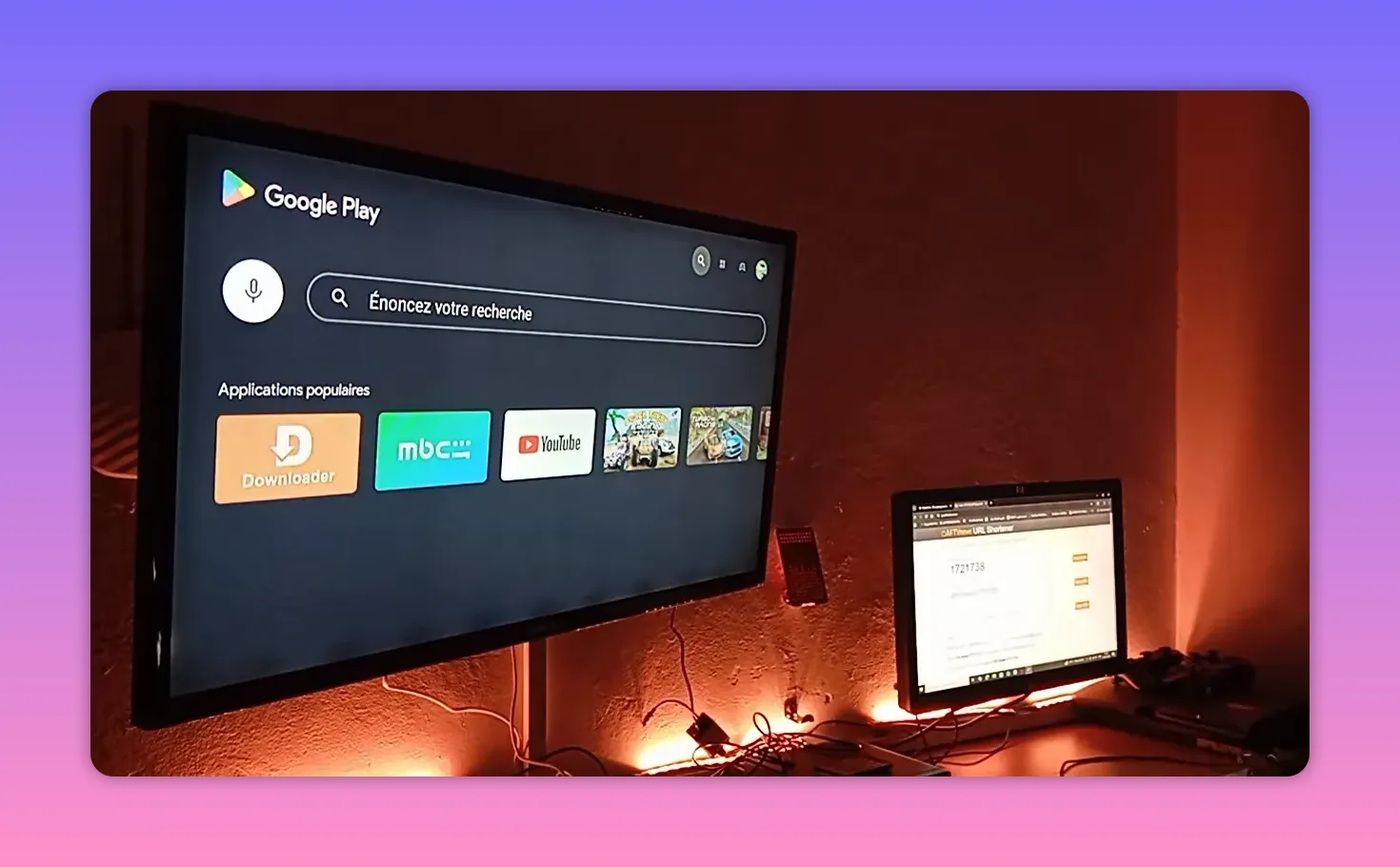
Table of Contents
- Start from the Play Store
- Why it is smart to keep more than one app ready
- The Downloader code for today
- How to install LION step by step
- A note about repeated reminders
- The real value of staying prepared
- LION and the community spirit behind it
- Best practices when using Downloader codes
- Final thoughts
- FAQ
Start from the Play Store
On the TV screen, the first step is to open the Play Store and search for Downloader.
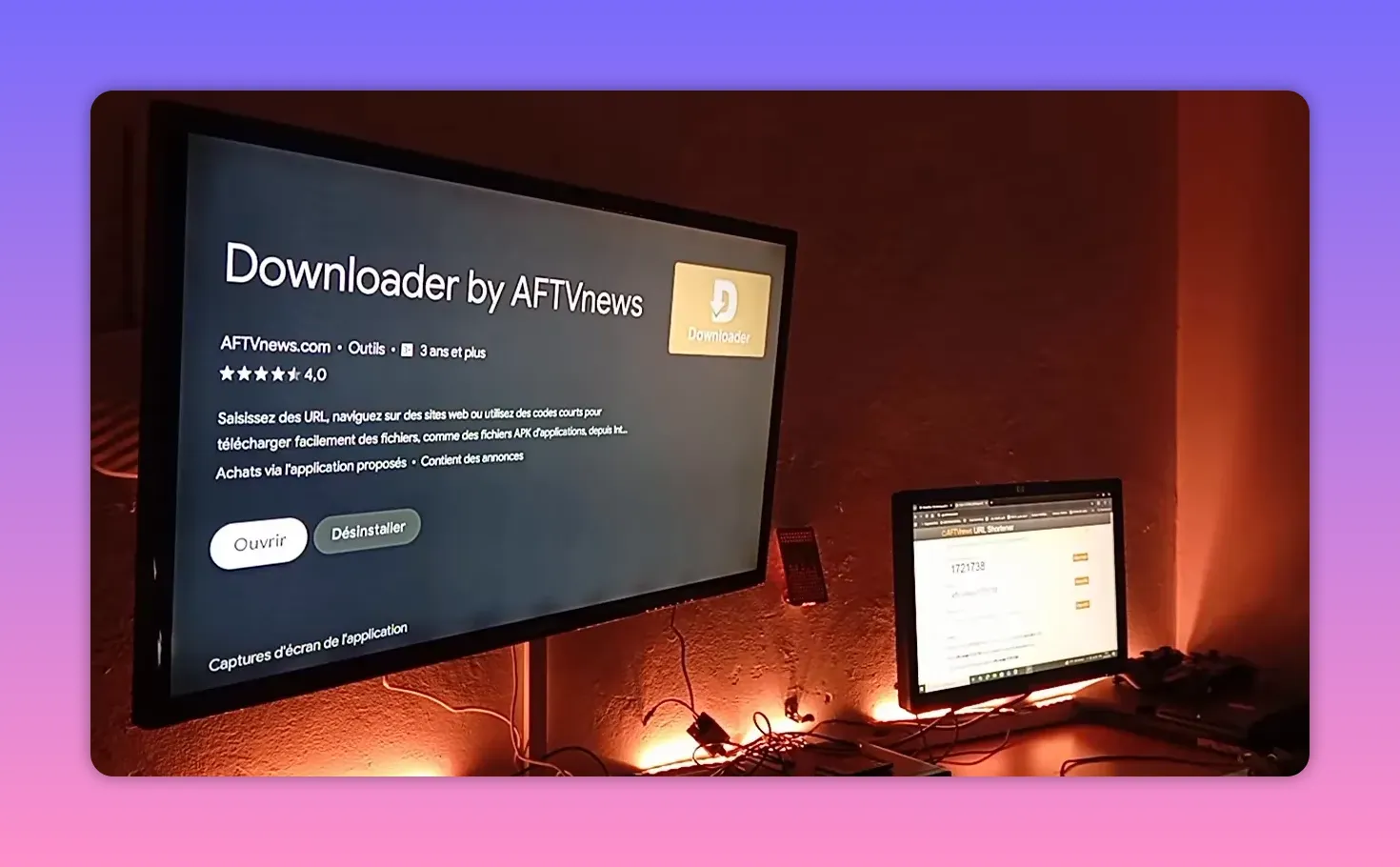
If you already have it installed, excellent. If not, install it first and make sure to grant it the permissions it needs. Without permissions, the app may not complete the download or installation process correctly.
So the setup is straightforward:
- Open Google Play Store
- Search for Downloader
- Install it
- Give it all the required permissions
There is also a mention that a new version of Downloader has been available recently, so if your app looks slightly different or asks for updated permissions, that is normal.
Why it is smart to keep more than one app ready
One of the most practical pieces of advice here has nothing to do with typing a code. It is about mindset.
If you rely on only one app and it stops working, even for a day, you suddenly find yourself with no backup. That is why it is always smarter to follow multiple solutions, save multiple codes, and keep your device stocked with alternatives.
The idea is simple:
- Do not depend on one app only
- Save installation codes when they are shared
- Install backup options before you need them
What do you really lose by preparing your device in advance? Nothing. But if an app goes down and you have no alternative installed, you may be left waiting 24 hours or more without the content you want.
This is why filling your device with the good apps that are shared over time can be a very practical habit, especially if you use your TV every day.
The Downloader code for today
Once Downloader is open, the next step is to enter the code provided for the day’s app package.
The code shared here is:
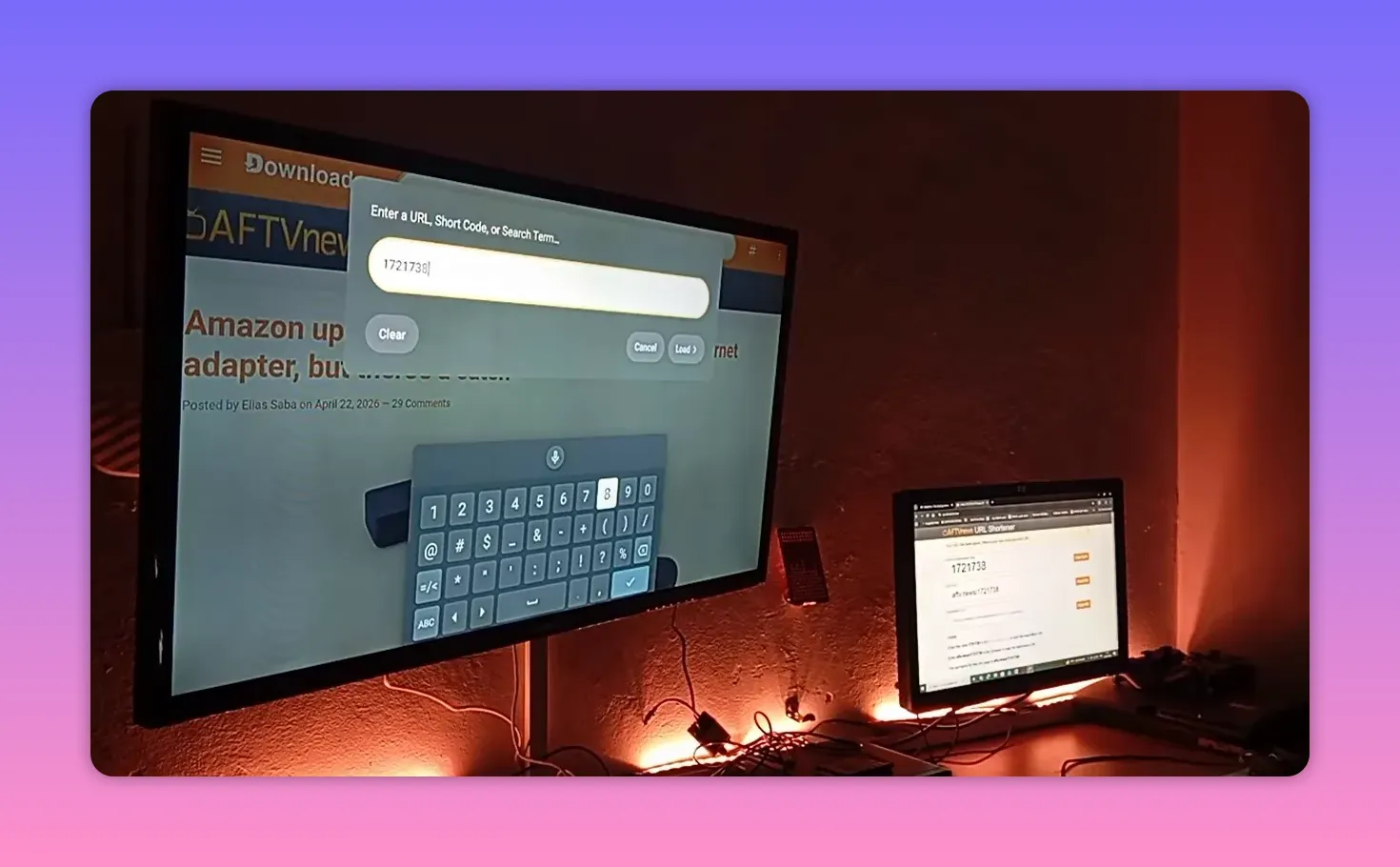
1721738
Written clearly again:
- 17
- 21
- 738
Combined together, that gives you:
1721738
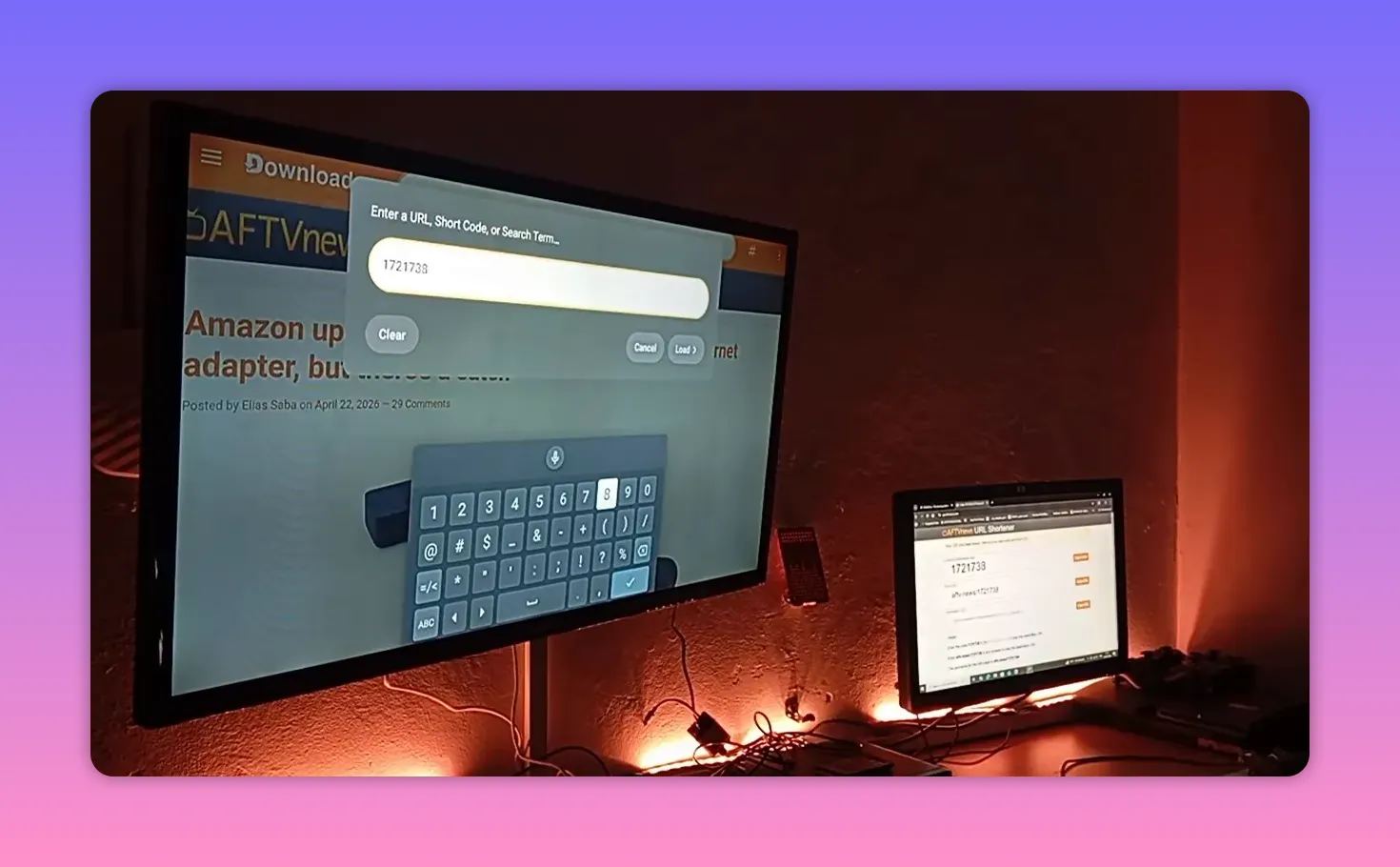
This code is presented as the dedicated Downloader code for the day, and the message around it is very clear: it contains what you need. Instead of waiting until the end or overcomplicating the process, the key instruction is simply to enter the code in Downloader and proceed.
How to install LION step by step
If you want the full method in the cleanest possible order, follow these steps:
- Open your Android TV or TV box.
- Go to the Google Play Store.
- Search for Downloader.
- Install Downloader from the Play Store.
- Grant all requested permissions.
- Open the Downloader app.
- Enter the code 1721738.
- Proceed with the download and install the app package available through that code.
That is the main path. No unnecessary detours.
A note about repeated reminders
Sometimes instructions get repeated, especially around Downloader, Play Store installation, and YouTube-related caution. There is a reason for that.
When someone keeps emphasizing where an app comes from and how it should be used, it is not empty repetition. It is often a way of being careful, staying within safer boundaries, and avoiding platform-related problems.
So when you hear reminders like:
- Install Downloader from the Play Store
- Use the provided code carefully
- Keep backup apps on your device
Those are not random details. They are the practical core of the method.
The real value of staying prepared
There is also a broader lesson here that applies beyond just LION.
Many people search for one perfect app and stop there. But in reality, the smarter approach is to build a small toolkit of working options. If one fails, another is ready. If one changes, another still works. If one disappears temporarily, your device remains useful.
That is why collecting useful Downloader codes and installing strong apps when they are available can save you trouble later.
Preparation beats panic every time.
LION and the community spirit behind it
What gives this kind of content its warmth is not only the app itself, but the feeling behind sharing it.
There is a genuine sense of appreciation for the people who keep up with these app recommendations and use them to make life easier at home. One of the nicest moments shared here is a comment from someone who said that every time he picks up his phone, family members joke with him and ask if he is checking BOFONE again. He smiles and says yes, of course.
That small story says a lot.
It means these app guides are not just technical instructions. For some families, they become a simple way to bring entertainment into the home, to put on channels people enjoy, and to create a little happiness in the room.
And honestly, that is a beautiful thing.
When a person installs an app, opens a channel their family loves, and hears a genuine thank you, the value goes beyond software. It becomes service, generosity, and shared enjoyment.
Best practices when using Downloader codes
To make the most of methods like this, keep these habits in mind:
- Write down useful codes so you do not lose them later.
- Install apps when they are available instead of waiting until you urgently need them.
- Update Downloader if a newer version appears.
- Check permissions if a download or install fails.
- Use trusted sources and stay organized on your device.
Even a simple note on your phone with app names and Downloader codes can save time later.
Final thoughts
LION is back strong, and the installation method shared here is as simple as it should be: install Downloader from the Play Store, give it permissions, open it, and enter the code 1721738.
But beyond the code itself, the bigger advice is just as valuable: do not leave your device empty, and do not rely on one option only. Save the good apps, keep backups ready, and make your setup stronger than any sudden interruption.
And to everyone who shares these tools with their families and brings a little joy into the house because of them, that effort is appreciated more than you think.
FAQ
What is the Downloader code for the LION app mentioned here?
The code shared is 1721738.
Where should Downloader be installed from?
Downloader should be installed from the Google Play Store.
Why is it important to give Downloader all permissions?
Without the necessary permissions, Downloader may not be able to complete downloads or installations properly on your Android TV or TV box.
Why keep multiple apps installed instead of relying on one?
Because one app can stop working temporarily. If you have alternatives already installed, you are not left without access while waiting for a fix.
Is there anything else worth doing after installing LION?
Yes. Keep note of useful Downloader codes, update Downloader when needed, and continue building a reliable set of backup apps on your device.
