
Sometimes the best tech finds are not the newest boxes on the shelf. They are the small, affordable devices many people overlook while chasing bigger receivers with newer server support, VIP features, and all the flashy extras.
That is exactly why some older Android TV-style devices still deserve attention. Even when the built-in server is no longer useful, these boxes can remain surprisingly valuable, especially when paired with the right app and the right code.
And right now, one name is standing out again: Lione.
Table of Contents
- 📦 Cheap old devices can still be incredibly useful
- 🛠️ Why these boxes are still worth buying
- 🦁 The Lione app is still dominating this space
- 📲 How the app is installed
- 📡 Why this setup works well on weak internet
- 🔑 The important note about codes
- ✅ The real takeaway
- ❓ FAQ
📦 Cheap old devices can still be incredibly useful
A point that deserves more attention is the value of low-cost secondhand devices. There are boxes available in local markets for around 3 euros or 3 dollars, and many people pass on them because they assume they are outdated.
That is a mistake.
Even if the original server inside the box has expired, the hardware itself can still be useful for a range of tasks. If the device is stable enough and still runs the apps you need, it can continue serving a real purpose.
One family of devices specifically gets praise here: Icone/Android receiver-type boxes in different versions. These units are described as practical, easy to reuse, and worth picking up when found at a low price.
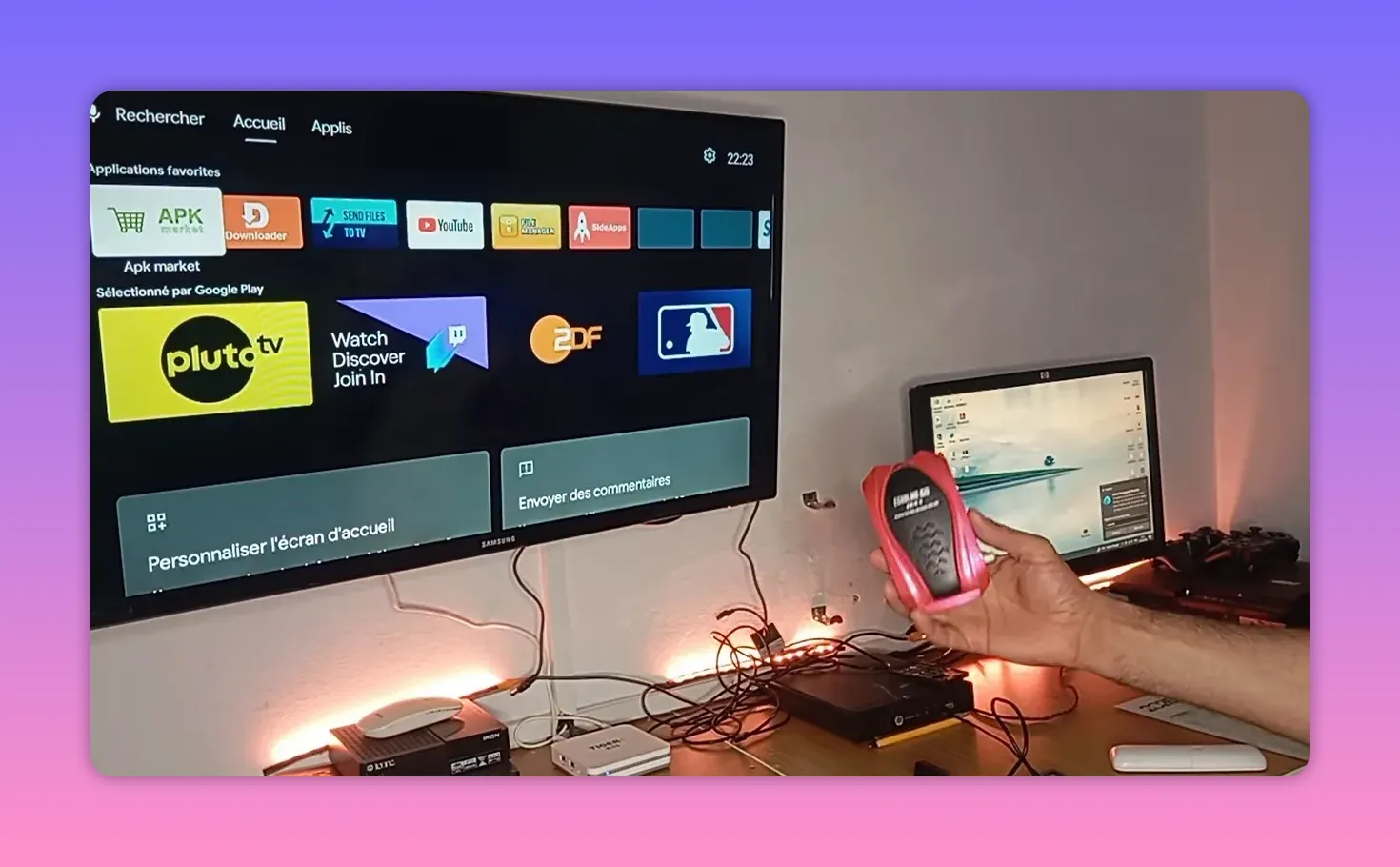
What makes them attractive is not just the low price. It is also the convenience:
They are affordable, making them good backup devices.
They often still perform well for app-based use.
Some include physical front buttons, which is very useful if the remote control stops working or is missing.
They can handle multistream well, with notably stable performance.
That last point matters. Stability is everything with this kind of setup. Fancy branding means very little if playback is inconsistent. A modest box with dependable multistream support can be more useful than a much more expensive device that overpromises and underdelivers.
🛠️ Why these boxes are still worth buying
A lot of people are moving toward larger, newer devices that support the latest server options and IPTV-related features. That is understandable. Newer hardware often offers more possibilities.
But there is another side to the story.
If your goal is simply to install a strong app, enter a working code, and get stable performance on weak or medium internet, then an older low-cost box can still be a smart buy.
That makes these devices ideal for:
A secondary room setup
A backup receiver
Testing apps and codes without risking your main setup
Users who want functionality without spending much
The key message is simple: do not judge a device only by whether its original server is still active. If the hardware is sound, there is still plenty you can do with it.
🦁 The Lione app is still dominating this space
Now to the main point.
The app being highlighted is not a new discovery. It has already been shared before, but it remains the central recommendation because it continues to perform extremely well. The tone is clear: among the known free options in this category, Lione is still the one leading the field.
It is described almost like the giant of the category, the app with unusual strength in this space.
The emphasis is also important here: this is not a comparison against paid services. The focus is on what is available in the free segment. Within that context, the app stands out for two major reasons:
Strong stability
Good performance on weak and medium internet connections
That combination is exactly why people keep returning to it. Many apps look good when the connection is excellent. Fewer remain usable when the internet is average or unstable. Lione is being recommended precisely because it handles those real-world conditions far better than many alternatives.
Another point worth noting is content breadth. The app is presented as offering everything most users are looking for, making it a practical all-in-one choice rather than a limited niche tool.
📲 How the app is installed
The installation path is straightforward and intentionally simple. The process shown is:
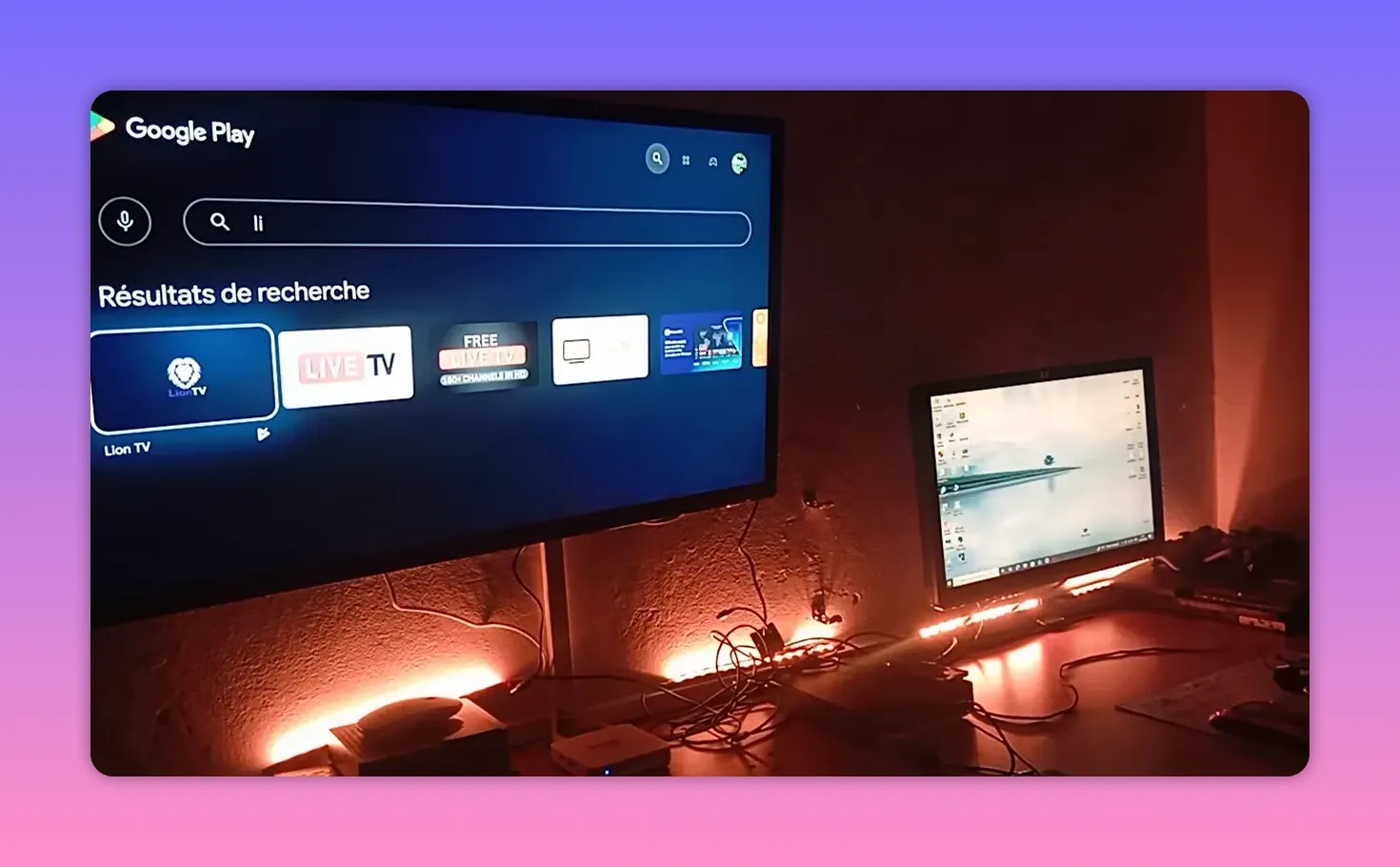
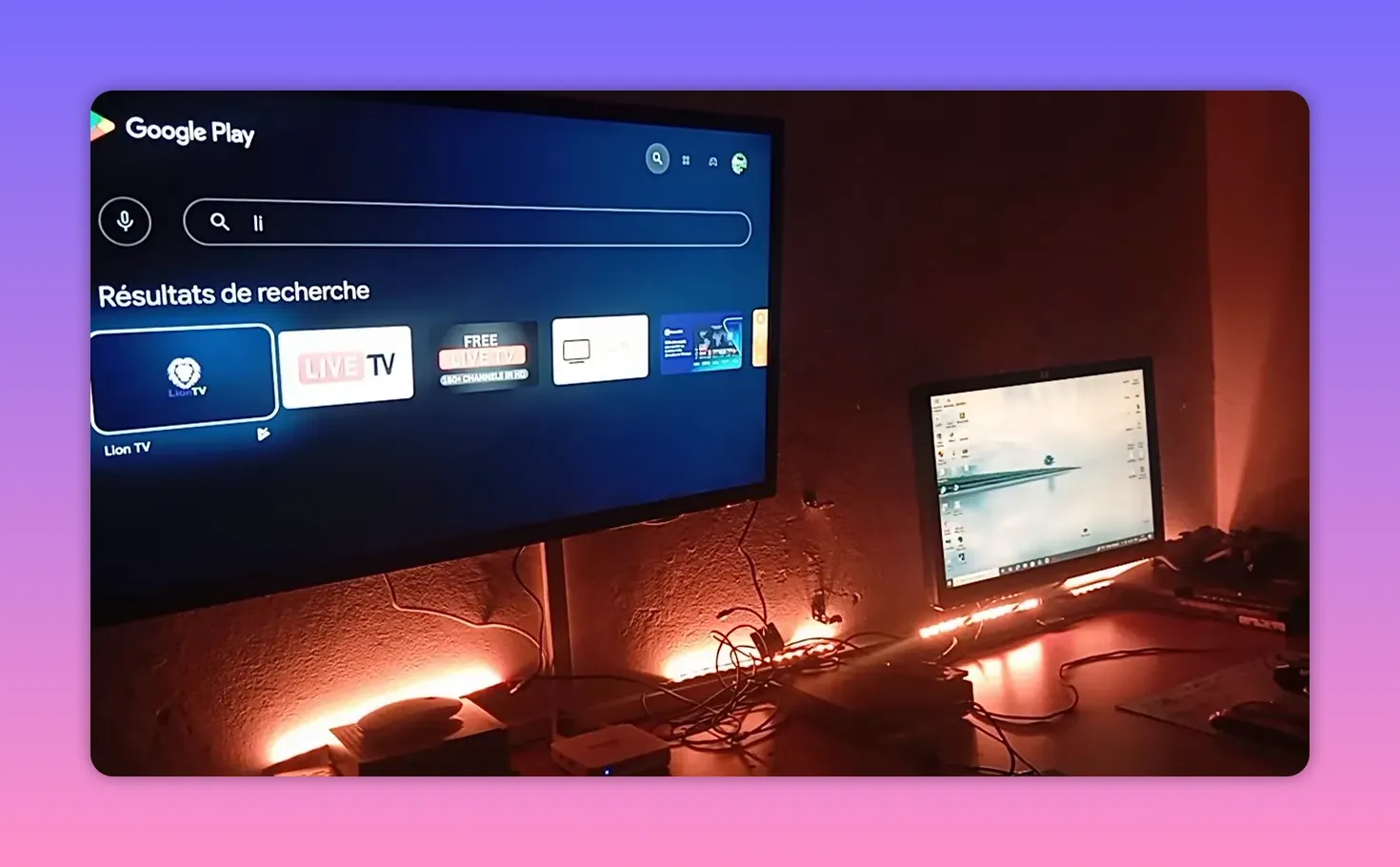
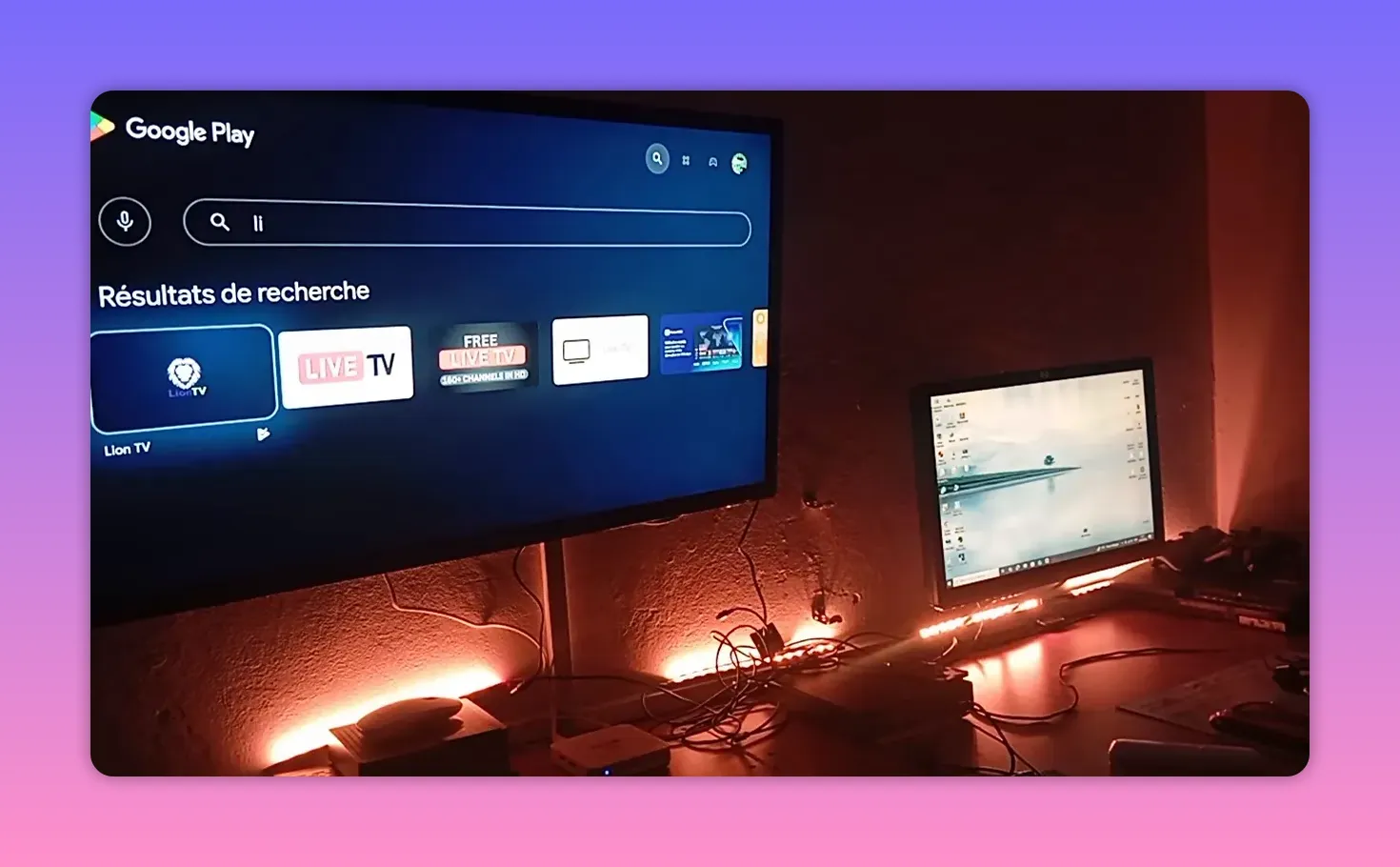
Open the Play Store on the device.
Go to the search bar.
Search for the app name, Lione.
Install it on the receiver or Android-based box.
There is no suggestion of changing to a different app for this update. The app remains the same. What changes is the addition of a new code, which is useful as a fallback when one code stops working while others may still remain active.
This is an important practical detail. In setups like this, continuity often depends on having an alternative code ready. Instead of reinstalling everything or starting from zero, you simply use the additional code when needed.
📡 Why this setup works well on weak internet
One of the strongest points made is that this solution performs nicely on weak and medium-speed internet. That should not be overlooked.
Many people using these devices are not working with perfect fiber connections or high-end network gear. They need an app that remains responsive and stable in everyday network conditions.
That is why this recommendation has practical value. It is not just about whether an app exists. It is about whether it works under typical conditions.
According to the explanation given, this app currently offers:
Reliable operation on less-than-ideal internet
Stable playback
Broad content availability
Compatibility with inexpensive devices
When all of those pieces come together, the result is exactly what many users are looking for: a low-cost, stable solution that simply does the job.
🔑 The important note about codes
There is also a direct warning that needs to be repeated clearly because it addresses a common issue.
Some people keep asking for codes in comments or on Telegram, then later say the code was not provided. The clarification is firm: the code is included, but only for those who follow the full presentation carefully from beginning to end.
The point here is not just about this one case. It is a reminder to pay attention to the full setup process and not skip through key parts expecting everything to be handed over separately afterward.
If a code is shared as part of the guide, then the proper approach is to follow the guide completely. Skipping sections often means missing the exact information you came for.
That approach also makes sense from a practical standpoint. When the app, the installation method, and the code are all part of one flow, separating them leads to confusion.
✅ The real takeaway
The main opportunity here is not only that Lione is strong again. It is that the whole combination makes sense:
An inexpensive device that still performs well
A proven app with strong current stability
Good performance on weak or average internet
A backup code strategy when one option stops working
Practical hardware features like physical buttons when the remote fails
That is why this really does feel like an opportunity. Not because it is flashy, but because it is useful, affordable, and realistic.
Sometimes the smartest setup is not the most expensive one. It is the one that keeps working.
❓ FAQ
What is the main app being recommended?
The app being highlighted is Lione. It is presented as one of the strongest current free options in this category, especially for stable performance.
Is this recommendation aimed at paid services?
No. The focus is specifically on the free side, not on paid services.
Why are older low-cost devices still recommended?
Because even if their original server has expired, they can still run useful apps, support multistream well, and offer reliable performance for a very low price.
How much do these devices typically cost in the example given?
The example given is around 3 euros or 3 dollars when purchased from local markets.
What makes these devices practical besides the low price?
Some of them include front-panel buttons, which can help if the remote control is not working. They are also described as handling multistream with very good stability.
How is the app installed?
Open the Play Store, use the search bar, type Lione, and install the app on the device.
What kind of internet connection is this setup best suited for?
It is especially recommended for weak and medium internet connections, where stability matters most.
Why is a new code mentioned if the app was already shared before?
The app remains the same, but a new code is useful as a fallback when one code stops working and another is still active.
What should people keep in mind about getting the code?
The code is meant to be followed as part of the full guide. If someone skips important parts, they may miss where it appears.
