
If you have been searching for a strong entertainment app for Android TV, Google TV, TV Box, TV Stick, or Android phones, this one is meant to keep things simple.
No separate player. No activation codes. No complicated setup. Just install it, open it, let it update, and start exploring the content.
What makes this app stand out is not just that it works on both smart screens and phones, but that it also comes with its own built-in player. That means you do not need to waste time looking for extra apps just to get it running.
Table of Contents
- 🔥 Why this app stands out
- 📺 Devices you can use it on
- ⬇️ What you need before installing
- 🛠️ How to install the app step by step
- ✅ What the download experience is like
- 🔄 What happens when you open the app for the first time
- 🧭 A quick look at the interface
- 🌍 Arabic language support and settings
- 🎬 Built-in player: the biggest convenience
- ⚡ Performance and usability
- 📌 Important setup notes to remember
- ❓FAQ
- 🏁 Final thoughts
🔥 Why this app stands out
There are plenty of apps people compare to Netflix or Prime Video, but the big appeal here is convenience.
- Works on Android TV and mobile
- No external player required
- No activation codes needed
- Simple installation process
- Daily content updates
- Supports Arabic language settings
If your priority is a clean experience without annoying hurdles, that is really the selling point here. The setup is quick, and the app is designed to get you into the content without sending you through endless pages or popups.
📺 Devices you can use it on
This setup is aimed at anyone using:
- Android TV
- Google TV
- TV Box
- TV Stick
- Android phone
So whether you are using a smart TV directly or a box connected to a regular screen, the process is basically the same.
⬇️ What you need before installing
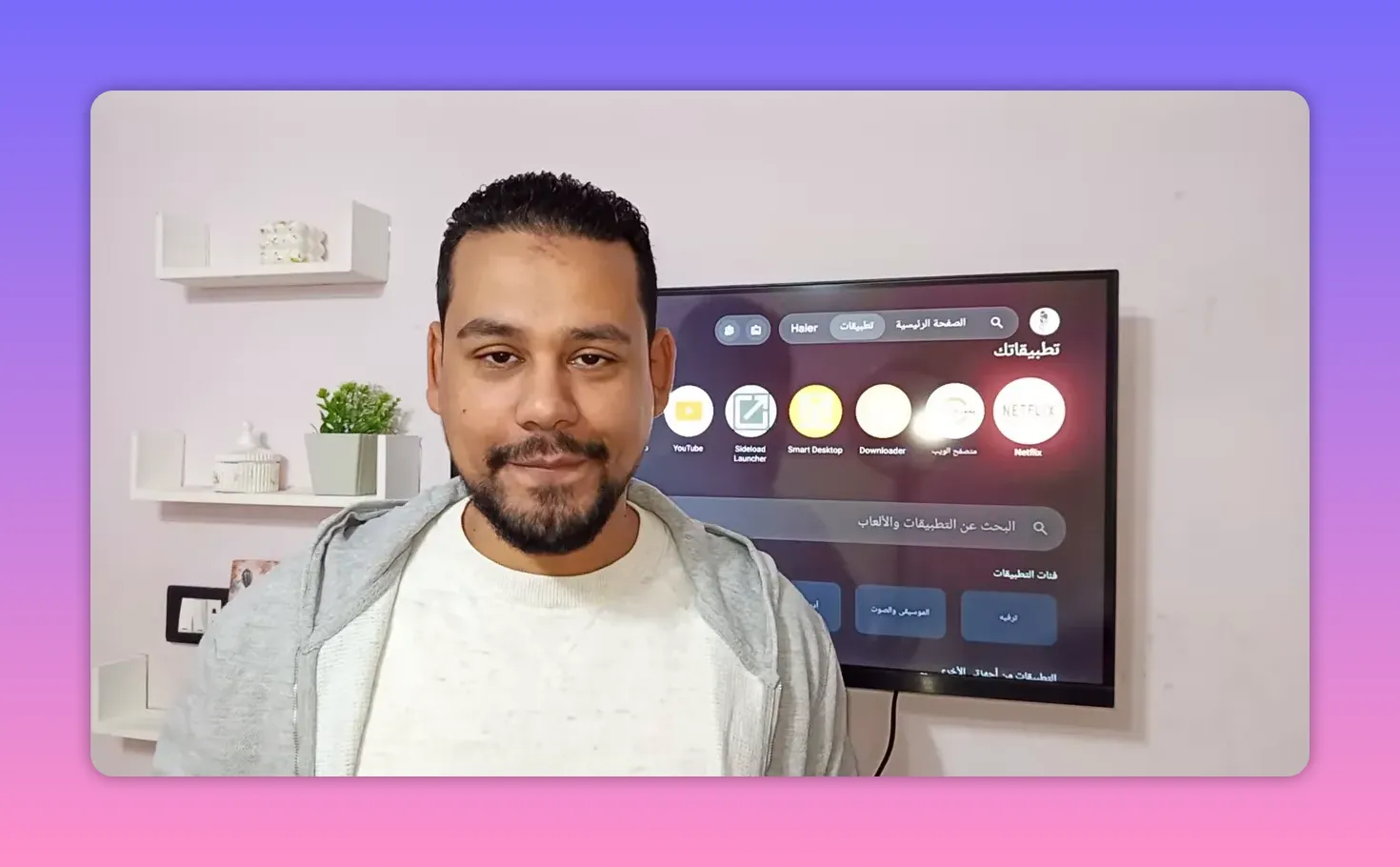
Before anything else, make sure you have the Downloader app installed on your device.
If it is not already there, open Google Play on your Android TV or phone and search for:
Downloader
Install it first, because that is the tool used to access the app link directly.
🛠️ How to install the app step by step
The method is straightforward and only takes a minute or two.
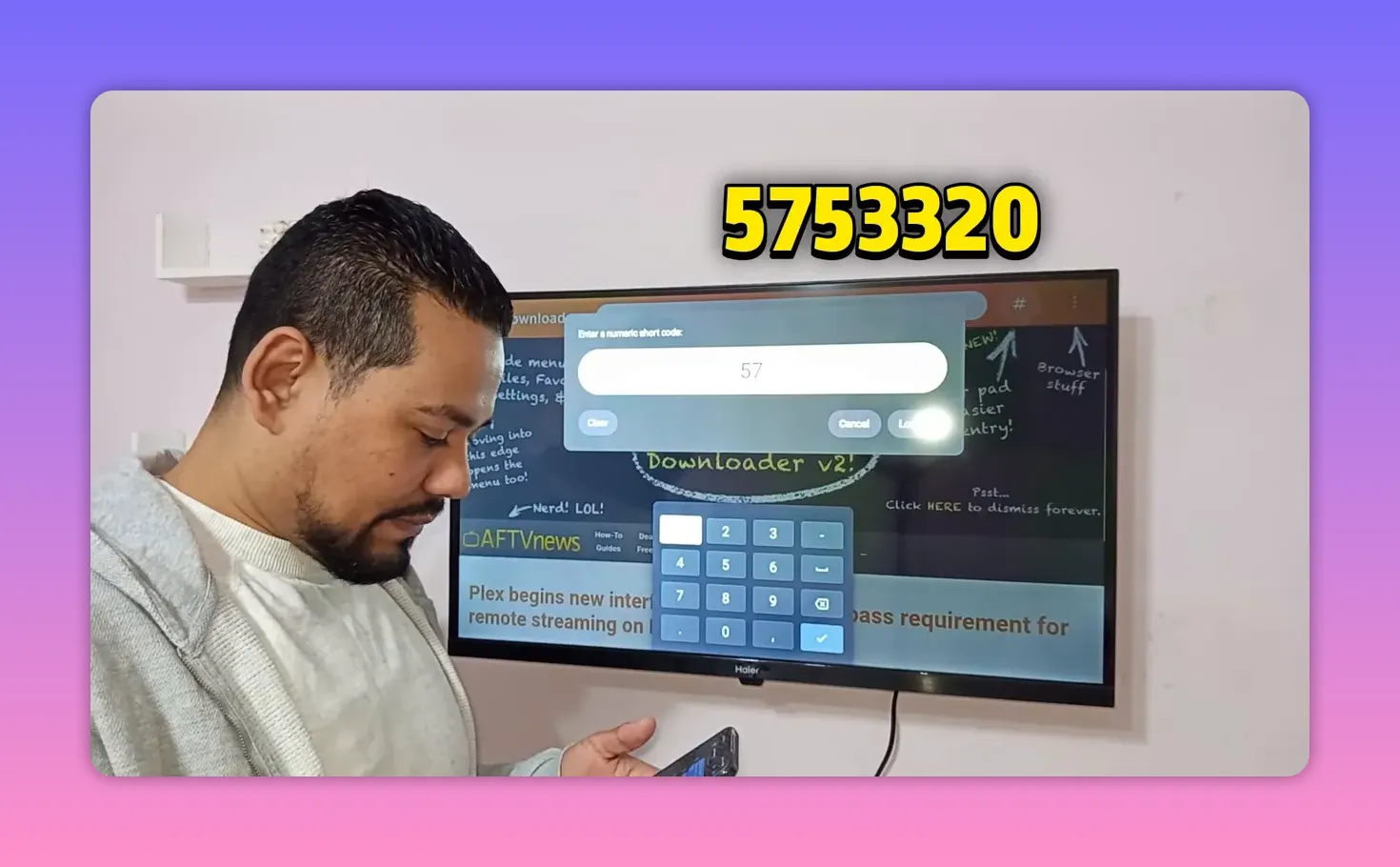
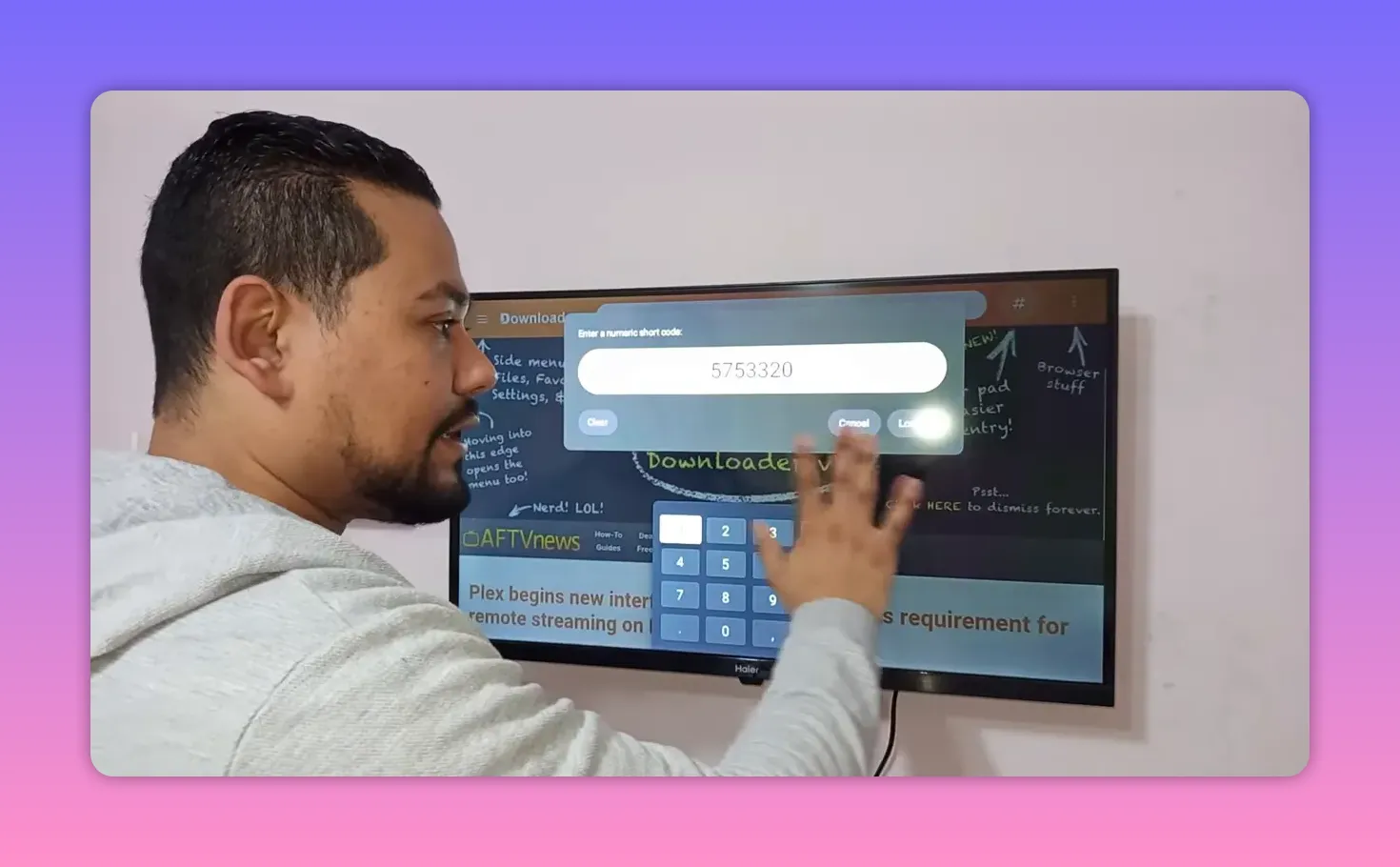
- Open the Downloader app.
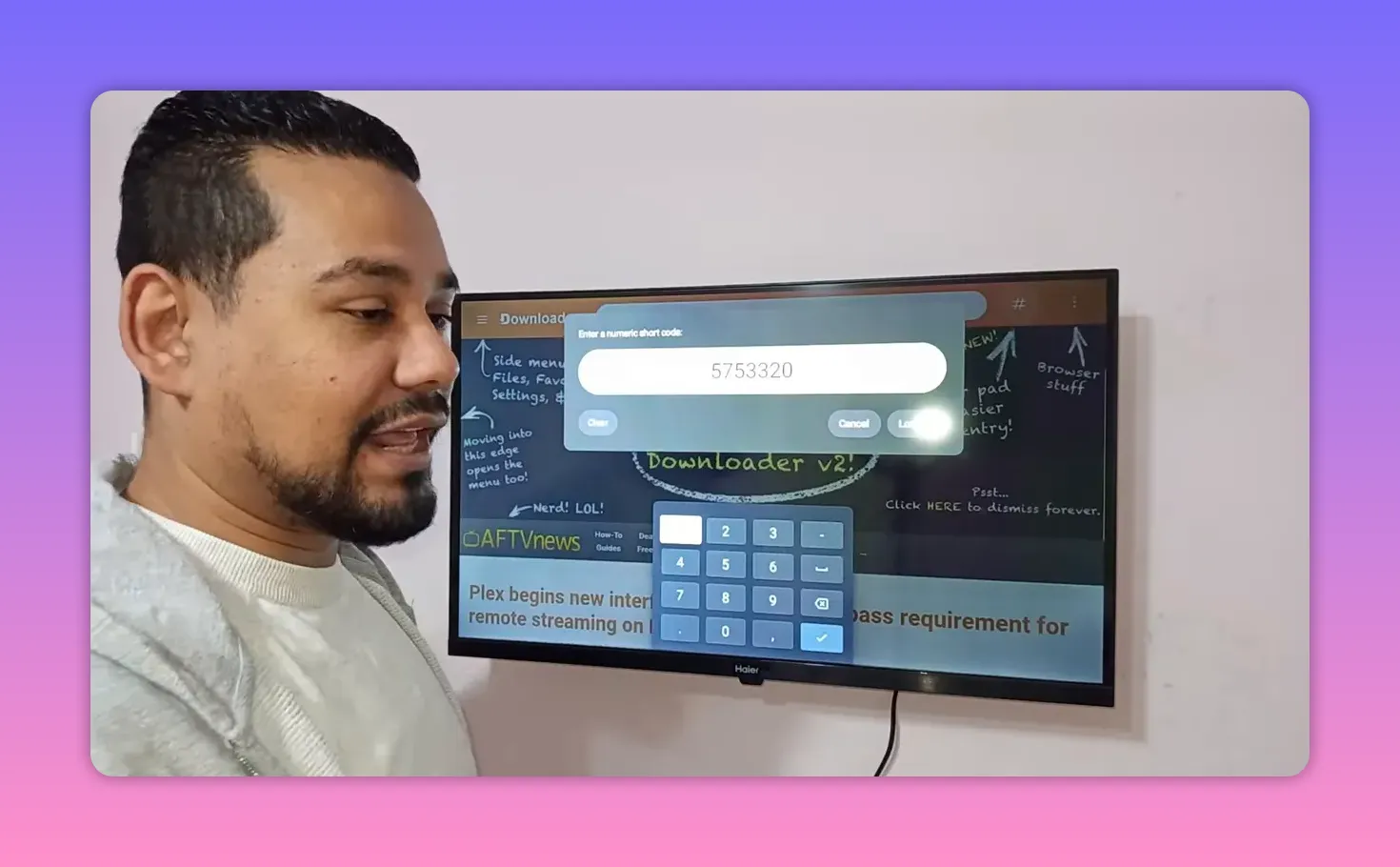
- Find the white input box on the main screen.
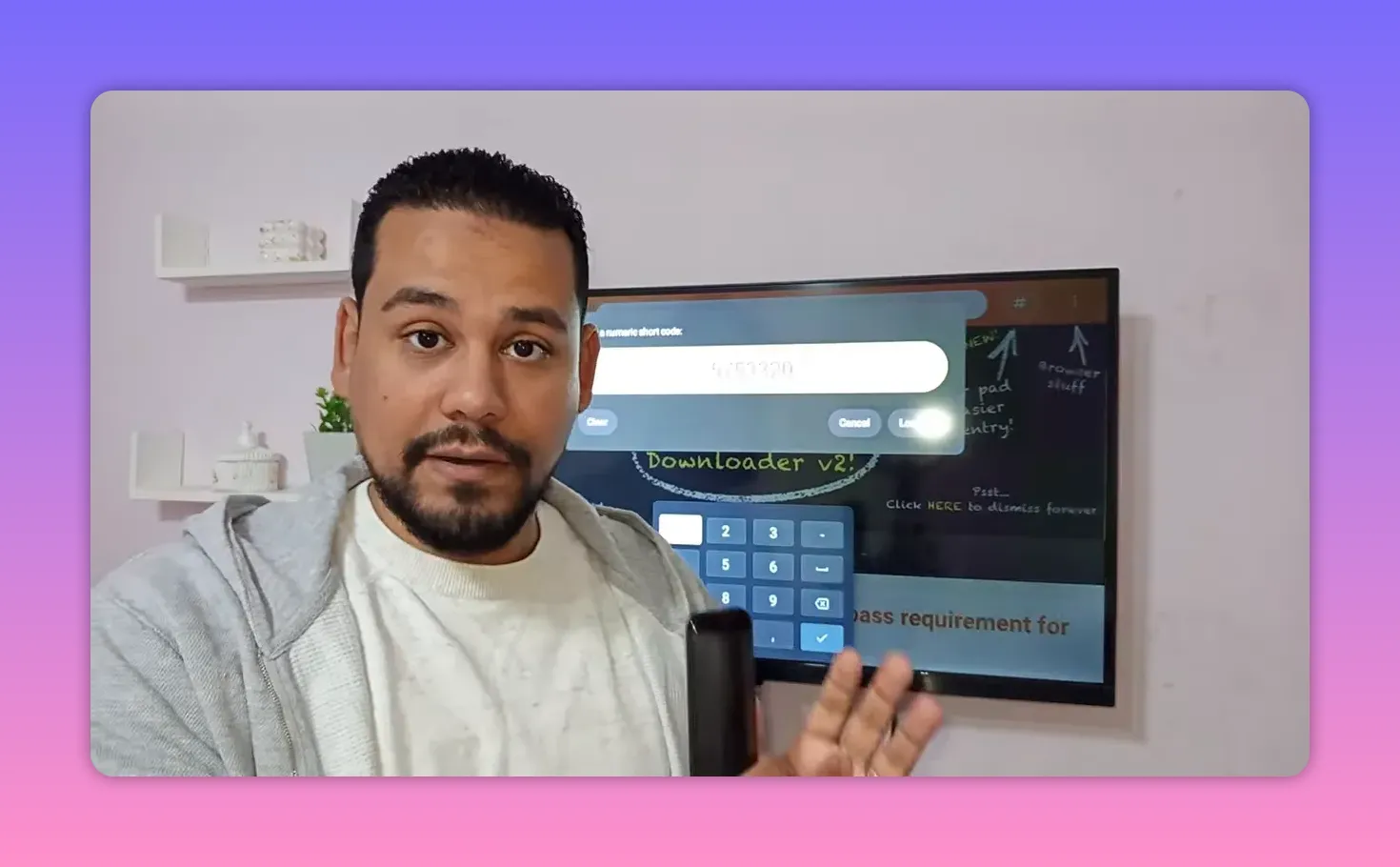
- Enter this code: 575320
- Select Go or Load.
- A page will open with a blue button.
- Select the blue button to start the download.
- After the file finishes downloading, choose Install.
- Once installation is complete, choose Open.
That is it. No extra code entry after that, and no need to hunt down another media player.
✅ What the download experience is like
One of the nicest parts of this method is that the download page is described as being very clean and easy to use.
You are not supposed to deal with:
- Annoying ads
- Endless redirects
- Confusing extra steps
- Multiple fake download buttons
The idea is simple: enter the code, open the page, tap the blue button, and download directly.
For anyone who likes easy tools that just do the job, this part matters a lot.
🔄 What happens when you open the app for the first time
After installation, the app may take a moment on first launch because it begins updating its content.
You may notice several items refreshing or updating one after another. That is normal. The first run is mainly about pulling in the latest available content and preparing the interface.
In practical terms, the first launch goes something like this:
- You open the app.
- The app starts updating content.
- It completes the initial refresh.
- You land on the main interface.
After that, the app is ready to use, and the content continues to benefit from ongoing updates.
🧭 A quick look at the interface
Once inside, the app presents a side menu with multiple icons on the left. Each icon leads to a different type of content, so the layout is built for browsing rather than making you search through clutter.
The interface is designed around categories, which makes it easier to move through entertainment sections and find what you want faster.
That is especially useful on TV screens, where a clean left-hand menu tends to feel much better than crowded mobile-style layouts.
🌍 Arabic language support and settings
There is also a settings area where you can switch the app to Arabic if that is your preferred language.
That small detail can make a big difference on smart screens, especially if you want a more comfortable navigation experience for everyday use.
🎬 Built-in player: the biggest convenience
This is one of the strongest features of the app.
The app comes with its own built-in player, so you do not need to install something else like a separate playback app just to run the content. That is why the app size is a bit larger, around 60 MB, but the tradeoff is worth it.
Instead of doing all this:
- installing the main app
- looking for another player
- testing compatibility
- fixing playback errors
You install one app and you are done.
For Android TV users, this makes the whole experience much cleaner.
⚡ Performance and usability
The app is presented as delivering a smooth experience with strong performance. The focus here is on straightforward use and reliable playback, especially for people who want entertainment apps on their smart screens without overcomplicating the process.
It is also positioned as a serious option for anyone exploring free TV apps, Android TV apps 2026, smart TV entertainment tools, and useful applications for TV Box setups.
The big message is simple: if you want something easy, updated, and ready to run from the start, this app checks those boxes.
📌 Important setup notes to remember
- Install Downloader from Google Play first.
- Use the code 575320 in Downloader.
- Select the blue download button on the page that opens.
- Install the app and open it.
- Allow the first-time update process to complete.
- Check settings if you want to change the language to Arabic.
- No separate player is needed because the app includes one.
❓FAQ
Does this app work only on Android TV?
No. It is intended to work on Android TV screens and Android phones, and it also fits setups like Google TV, TV Box, and TV Stick devices.
Do I need a separate video player?
No. The app includes its own built-in player, which is one of its main advantages.
Do I need activation codes after installing it?
No. The setup described here does not require extra activation codes. You install the app, open it, and let it update.
What code should I enter in Downloader?
Enter 575320 in the Downloader input box.
Can I change the app language to Arabic?
Yes. There is a settings section where the interface can be switched to Arabic.
Why is the app size larger than usual?
Because the app includes its own player. The mentioned size is around 60 MB, and that extra size saves you from needing another playback app.
What should I do if the app starts updating when I open it?
That is normal on the first launch. Let the updates finish so the content and interface can load properly.
🏁 Final thoughts
If your goal is to upgrade your Android TV or smart screen entertainment setup with something easy to install and easy to use, this app keeps the process refreshingly simple.
You install Downloader, enter the code, download the app, install it, and open it. No separate player, no activation headache, and no complicated setup maze.
For anyone looking for a practical Netflix alternative on Android TV and mobile in 2026, especially a clean option for free TV content and a smoother smart screen experience, this is exactly the kind of app worth trying.
