
If you are looking for a lightweight Android TV app that is stable, smooth, and easy to install, this one is worth your attention. The main advantage here is not just the small size of the app, but the fact that it brings together the channels people are actively searching for in one place, while keeping the setup process simple.
It also includes a dedicated sports news section, which is a nice extra for anyone who wants quick access to the latest updates without jumping between multiple apps.
The installation method is done through Downloader, and the steps are straightforward. Even if you already know the process, it helps to have everything explained clearly from start to finish, especially for anyone using Android TV, Smart TV, or an Android TV Box for the first time.
Table of Contents
- 📥 Why Downloader Is Used for This Installation
- 🛠️ Step 1: Install Downloader from Google Play
- 📺 What Makes This App Worth Trying
- 🔢 Step 2: Enter the Downloader Code Correctly
- ⏳ Step 3: What Happens After Pressing Go
- 🟦 Step 4: Tap the Blue Box to Start the Download
- ⚡ Performance and Device Compatibility
- ✅ Why a Lightweight App Often Performs Better
- 🧭 Quick Installation Recap
- 💡 Final Thoughts
- ❓FAQ
📥 Why Downloader Is Used for This Installation
The app is installed through Downloader, which is a well-known browser and utility used to download external apps on Android-based devices. This is a common method when an app is not being installed directly from the Google Play Store.
The idea is simple:
- Install Downloader from Google Play
- Open it and prepare it for use
- Enter the provided code
- Download the app from the page that appears
This approach keeps the process fast and avoids complicated manual setup.
🛠️ Step 1: Install Downloader from Google Play
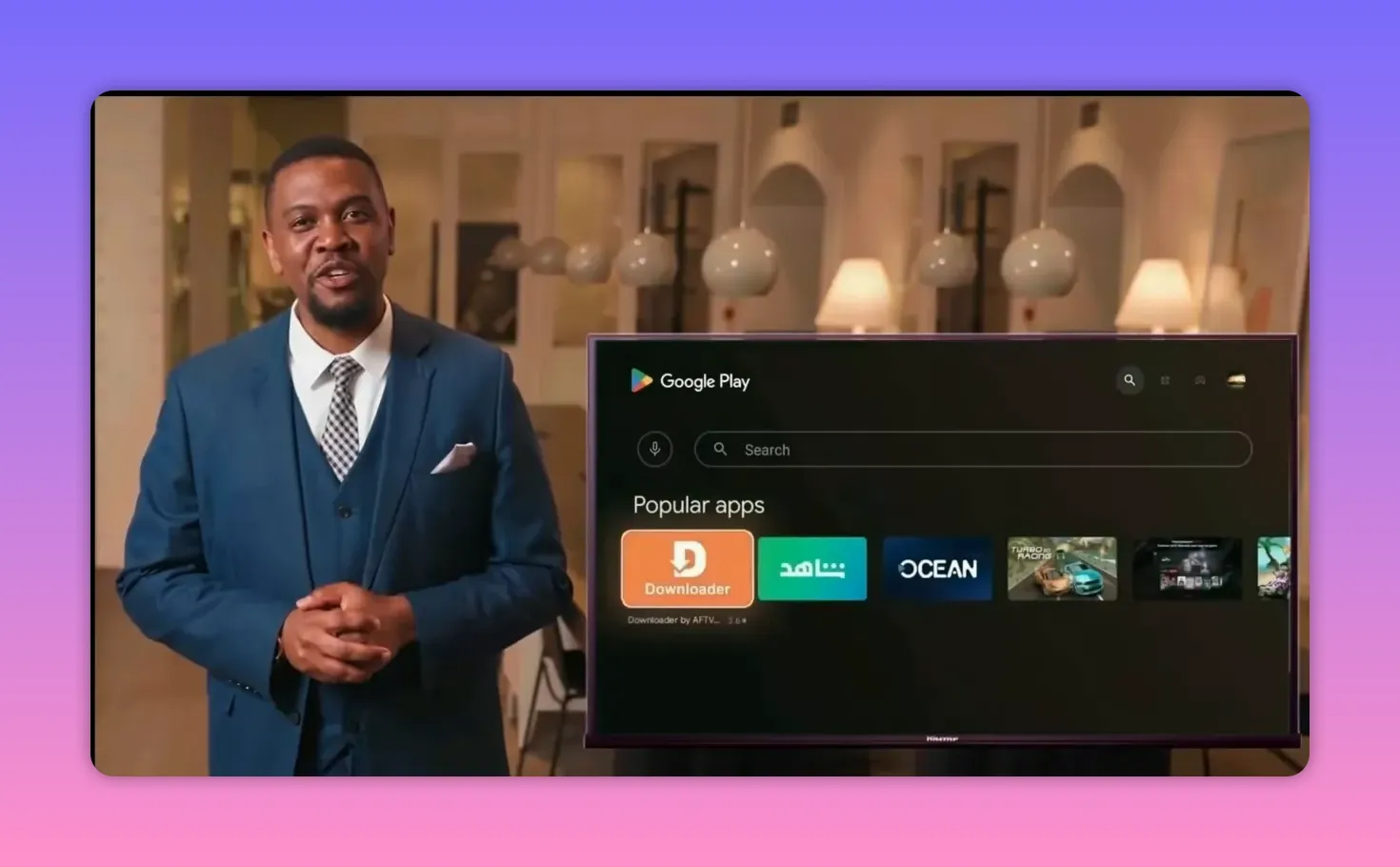
Start by going to the Google Play Store on your device and search for Downloader.
When the app appears, make sure the icon matches the correct Downloader app. This small check matters, especially since similar app names can sometimes appear in search results.
After installing it:
- Open the app
- Go into the required settings if prompted
- Enable the permissions needed for installation
- Once the app is installed and visible on the main interface, press OK to continue
The goal here is simply to make Downloader ready to accept the code and fetch the app file without interruptions.
📺 What Makes This App Worth Trying
This app is presented as a strong option for anyone who values three things:
- Light size
- Stable performance
- Playback without cutting or buffering
That combination is exactly what most people want from a TV streaming app. A lot of apps offer a huge list of content but fail in daily use because they are too heavy, too cluttered, or unstable. Here, the focus is on being small, efficient, and reliable.
Another useful point is that the channels currently in demand are grouped together in one place, or inside one file, which saves time and makes the app more convenient to use.
On top of that, there is a dedicated icon for sports news, where the most important and latest updates in the sports world can be found.
🔢 Step 2: Enter the Downloader Code Correctly
Once Downloader is open and ready, the next step is entering the app code.
The code is:
8569532
Enter the digits carefully, then press Go.
This is an important step, and accuracy matters. If the code is entered correctly, the process will continue automatically.
⏳ Step 3: What Happens After Pressing Go
After entering the code and pressing Go, a white page will appear with a short countdown of five seconds.
There is nothing extra you need to do during this stage. Just wait for the countdown to finish.
Once it ends, you will be redirected automatically to a new page.
🟦 Step 4: Tap the Blue Box to Start the Download
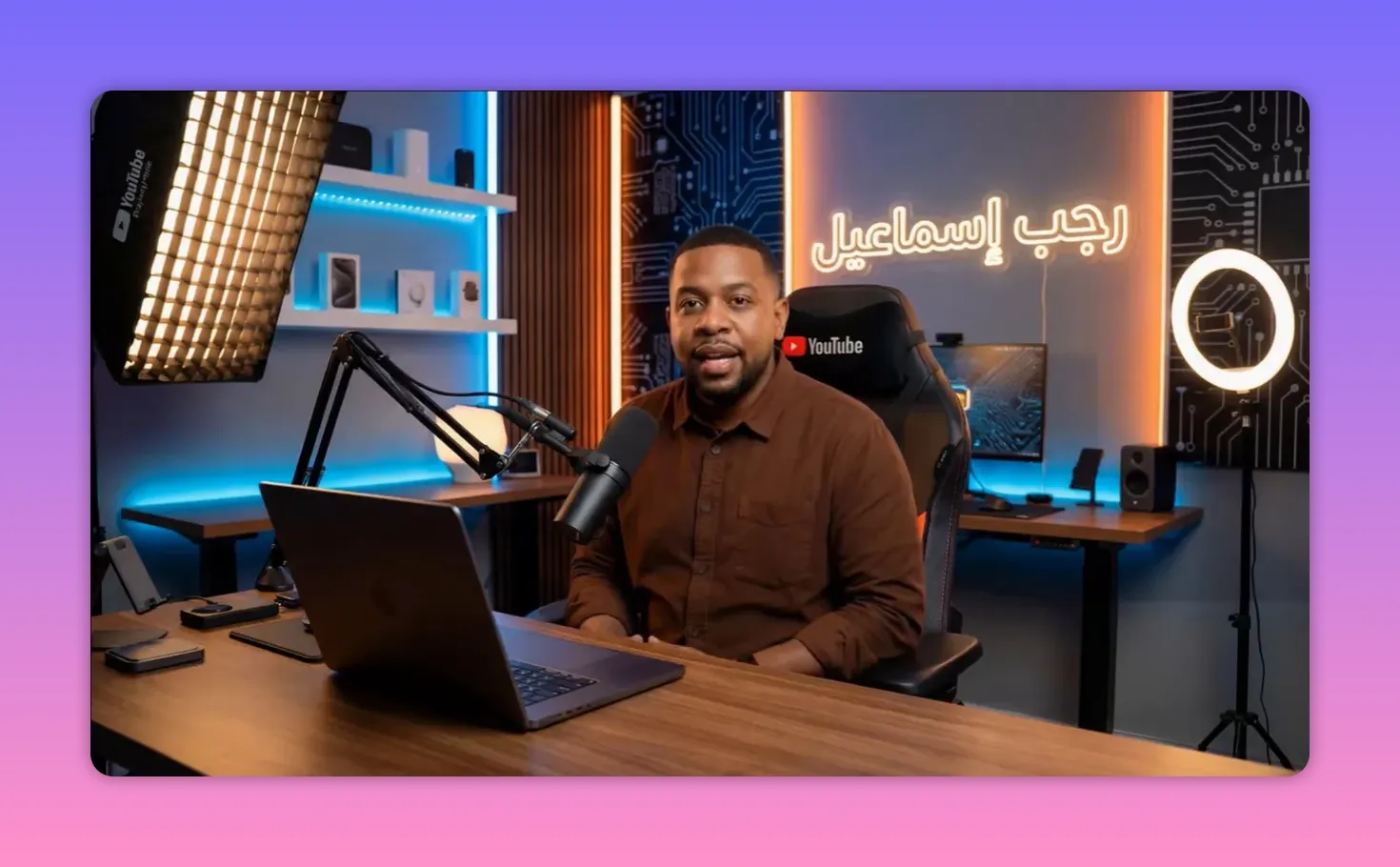
On the new page, you should see a blue rectangle labeled with the channel name Rajab Ismail.
Tap that blue box, and the download will begin immediately.
The process is described as smooth and simple, without extra complications, which is exactly what makes this method practical for everyday use.
If you have ever dealt with installations that required too many redirects or confusing links, this setup is much cleaner.
⚡ Performance and Device Compatibility
One of the strongest selling points of this app is its compatibility across different Android-based devices.
It is said to work efficiently on:
- Smartphones
- Smart TVs
- Android TV Boxes
That wide compatibility is important because many people use more than one screen. An app that performs well across phone and TV environments offers much more flexibility.
The app is also described as:
- Fast in performance
- Lightweight in size
- Comfortable to use
- Easy to install
- Suitable for all types of users
No complex extra settings are required, which makes it especially appealing for anyone who wants a direct installation without technical obstacles.
✅ Why a Lightweight App Often Performs Better
There is a reason lightweight apps continue to attract attention, especially on Android TV and TV Box devices.
When an app is small and optimized well, it usually offers several practical benefits:
- Faster installation
- Less strain on device storage
- Smoother navigation
- Better performance on mid-range hardware
- Less chance of lag caused by overloaded features
That does not automatically guarantee perfection, of course, but in many cases a clean, focused app performs better than a bloated one packed with unnecessary extras.
That is clearly the appeal here. The app is being recommended not because it tries to do everything, but because it aims to do the core job well.
🧭 Quick Installation Recap
If you want the process in a simple checklist, here it is:
- Open Google Play Store
- Search for and install Downloader
- Open Downloader and allow the required setup
- Enter the code 8569532
- Press Go
- Wait for the 5-second countdown page
- On the next page, tap the blue rectangle labeled Rajab Ismail
- Start the download and complete the installation
💡 Final Thoughts
If your priority is a TV app that is light, stable, and easy to install, this one checks the main boxes. It is designed to be simple, works across multiple Android-based devices, and avoids unnecessary complexity.
The standout points are clear:
- A small app size
- Good stability
- Smooth playback without cutting
- Channels gathered in one place
- A sports news section for current updates
- Easy installation using Downloader
For anyone using Android TV, a Smart TV, or a TV Box and wanting a straightforward setup, this is the kind of app that is easy to test without dealing with a long and confusing installation path.
❓FAQ
What is the Downloader code for this app?
The code provided for installation is 8569532.
Where should Downloader be installed from?
Downloader should be installed from the Google Play Store on your Android-based device.
What appears after entering the code and pressing Go?
A white page appears with a 5-second countdown. After that, the page redirects automatically.
How do I start the actual app download?
On the redirected page, tap the blue rectangle labeled Rajab Ismail. The download should begin immediately.
What devices does this app work on?
It is described as working well on smartphones, Smart TVs, and Android TV Boxes.
What are the main advantages of this app?
The main advantages highlighted are its light size, stable performance, smooth playback, and the fact that it gathers sought-after channels in one place. It also includes a sports news section.
